7 Useful Mac And Iphone Apps
This week I invited productivity expert Rahul Chowdhury to share some favorite apps I haven’t covered.
Rahul: I find, try, and build apps nearly every day for my Hulry newsletter. Here are seven iOS and macOS apps I recommend, including one I made for my own weekly planning.
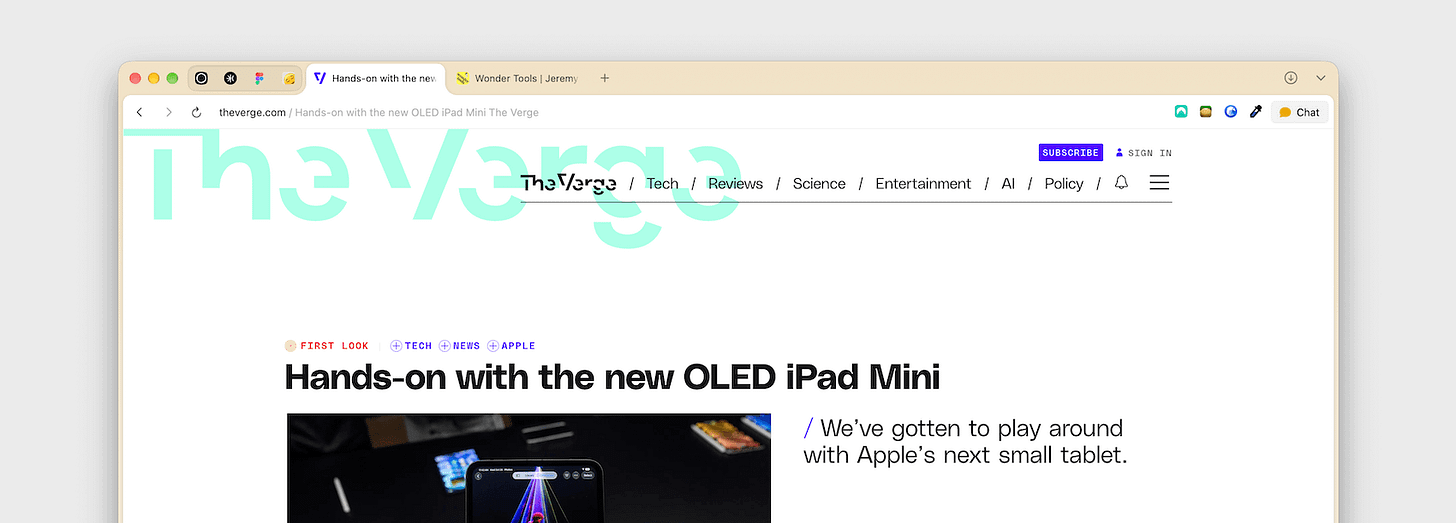
Dia — a clean browser with optional AI
Brave, my previous browser, started glitching and lagging, so I switched to Dia.
When I first tried Dia in 2025, I wasn’t a fan because it was AI-first. I didn’t want that. It has since become a well-made everyday browser with optional AI features. You can get a morning briefing from your connected apps, or ask questions about the page you’re reading.
It’s clean, looks great, and is regularly updated with tiny useful features. For example, I love how it automatically groups the tabs I open from the current page with Command-click, then gives the group a name.
Platform and Price: macOS | Free; $10/month plan optional.
CleanShot — screenshots and recordings with smooth zooms
I’ve used CleanShot as my screenshot tool for more than seven years. I use it for blog posts and tutorials, and to capture payment confirmations in case of later disputes.
CleanShot could already record my screen. Its new Studio Mode is a big update for video editing, including smooth zoom effects that make recordings look more polished.
I use these zoom-in effects in my tutorials and in my social media posts to draw viewers’ attention to the important bits of the recording. I used to use Screen Studio for that editing, but I’m gradually shifting to using CleanShot for everything.
Platform and Price: macOS | $35 one-time purchase, including a year of updates.
Sponsored Message
Winning business
Ever lose a deal because you missed a follow-up?
Capsule’s visual pipeline shows you exactly who needs your attention and what deals are about to close, so you don’t miss anything. You’ll spend less time chasing down details and more time actually closing.
It’s made for small teams who can't afford to miss something. Try it free, no credit card needed.
PoseKit — turn iPhone captures into polished demos
While CleanShot is fantastic for making screen recordings on a Mac, PoseKit fills the gap on an iPhone.
I’ve been using this app to make good-looking demo videos and app mockups for social media. It consistently works well.
I like how easy it is to add angled views, backgrounds, and gradient blur to iPhone screenshots and screen recordings.
While it’s most useful if you have an app to showcase, it can also be handy for making tutorials for YouTube or other social platforms. You can record your iPhone screen as usual, then quickly wrap a sleek iPhone frame around the video.
Platform and Price: iOS and iPadOS | Free download; $13 Pro upgrade
Atlas — collect visual inspiration on a board
If you collect visual references for work or hobby projects, try Atlas. It’s one of the most polished apps I’ve used.
It’s easy to save new clippings, and the interactions are remarkably smooth and fast. I love the view that lays out your saved items on an infinitely scrollable digital whiteboard. That gives you a bird’s-eye view of everything you’ve collected for a project.
It’s ideal for home renovations or even craft projects. Collect example designs as you browse the web or social media. Then, once you have a sizable collection, lay everything on an infinite board for design inspiration.
Platform and Price: Available on macOS | $39 one-time purchase, including a year of updates.
Spatial — organize notes and links on a canvas
Atlas is primarily designed for organizing visual references, while Spatial is excellent for other materials, like notes, color palettes, and links.
You get an infinite digital canvas where you can save sticky notes, images, videos, and documents, then organize them into folders.
Platform and Price: macOS | Pro: $20/year or $50 lifetime.”
Refine — a Grammarly alternative that runs on your Mac
I’ve long been looking for a Grammarly alternative that runs on my own computer, not online, so my writing stays private. None came close to Grammarly’s results. Not even the open-source checker Harper.
Refine is the alternative I was looking for. I use it with Google’s free Gemma 4 AI model on my M1 Pro MacBook. It has replaced Grammarly for me.
Platform and Price: macOS | free; $38 lifetime upgrade
Foreweek — a paper-style planner for weekly goals
Disclosure: I made this app.
I set tiny goals at the start of each week based on what would make my week feel successful and well spent.
I used to plan on paper. Foreweek recreates that feeling. Each week, you get a blank page to plan your goals, not tasks. If you have unfinished goals from previous weeks, you can add them to your current list.
Platform and Price: iOS | $2.99 once
Jeremy: Thank you for completing the reader survey. I’m sending everyone who responded an updated list of my favorite sites as a token of appreciation, and I’m reading every comment. Thanks.
See more of Rahul’s picks for:
Popular Products
-
 Classic Oversized Teddy Bear
$23.78 -
 Gem's Ballet Natural Garnet Gemstone ...
$171.56$85.78 -
 Butt Lifting Body Shaper Shorts
$95.56$47.78 -
 Slimming Waist Trainer & Thigh Trimmer
$67.56$33.78 -
 Realistic Fake Poop Prank Toys
$99.56$49.78