Three Steps To Make Filing Your Tax Return To The Cra Less Painful
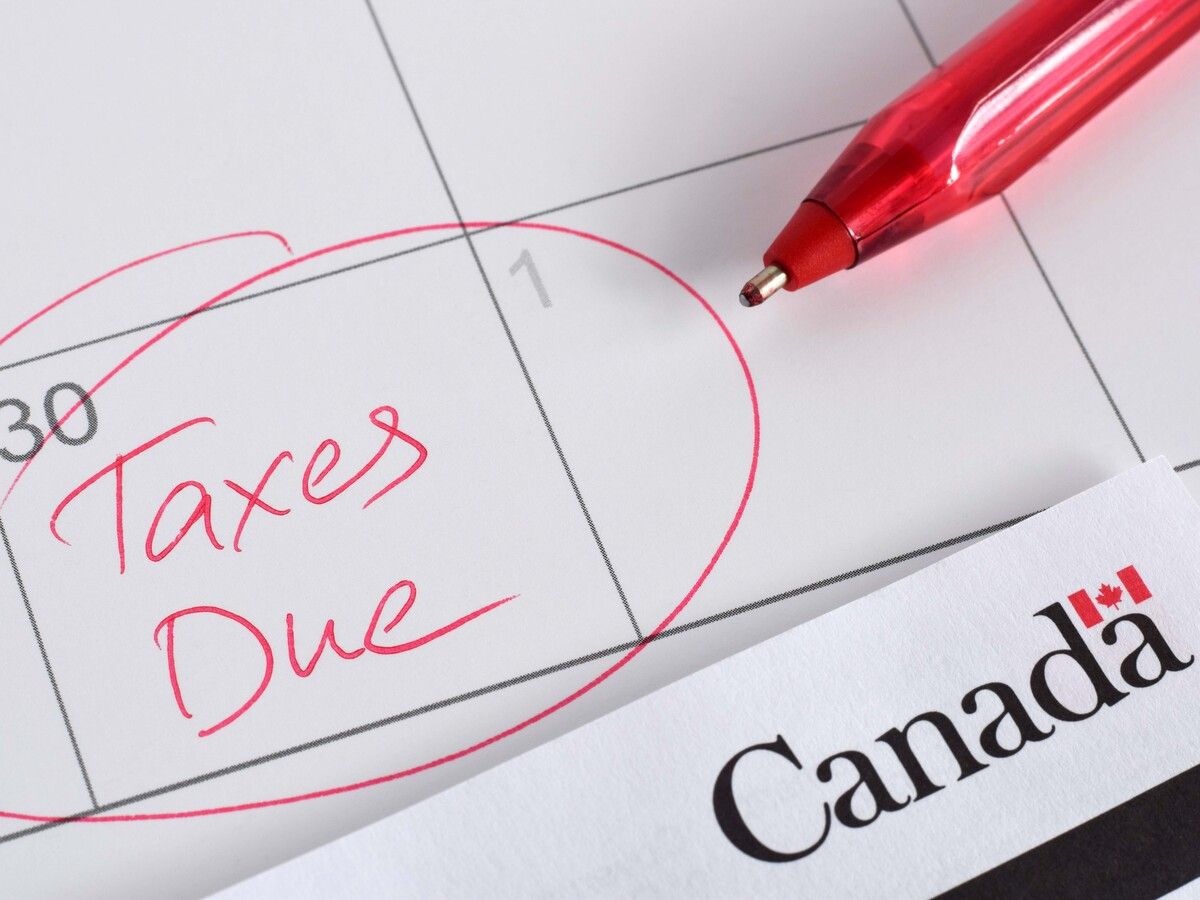
The latest stats from Canada Revenue Agency ’s tax filing season tracker show that as of April 12, 16.1 million taxpayers have filed, meaning about half of us have yet to file our 2025 tax return — including me. But I’m not panicking, as I always wait until the last minute to make sure I haven’t missed anything. And, since I always try to avoid getting a tax refund, I’m not racing to file early.
With the general filing due date of April 30 less than two weeks away, I thought I’d share my three-step process for preparing my personal tax return, to ensure that when I do file, my return is accurate and complete.
Step 1: Prepare an initial draft
I prepared a first draft of my tax return in early March, using TurboTax, one of the many certified software packages available online. You can see a full list of authorized products for this season online at the CRA site. The costs of the various packages vary, but if you have a modest income, many are free.
Because I’ve been using the same software for more than a decade, TurboTax will simply transfer my personal information along with any carryforward information, such as RRSP room and capital loss carryforwards, from my 2024 return to my 2025 return electronically, saving me from starting from scratch each year.
I then went online to CRA My Account to download any available slips using CRA’s Autofill program, which is hit and miss, since not all the slips are available electronically, and some hadn’t yet been uploaded to the system in early March. But, at least it saved me from manually entering them and potentially making a transposition error (which happened to me once) when entering my various T-slips.
My next step was to compare the T-slips I got last year (for 2024), with the T-slips for 2025 that were automatically downloaded. I wasn’t surprised to see that a bunch of them were still outstanding, especially for various mutual fund trusts and exchange-traded funds , which typically issue their T3 slips in mid-March. I made a note of the missing slips, and would return to this in early April. It’s important to flag any missing slips, otherwise you could be on the hook for the “repeated failure to report income” penalties.
As a reminder, under the Income Tax Act , if you fail to report at least $500 of income in a tax year and in any of the three preceding taxation years, the penalty will be the lesser of 10 per cent of the unreported income and 50 per cent of the difference between the understatement of tax (or the overstatement of tax credits) related to the omission and the amount of any tax paid in respect of the unreported amount, for example, by an employer through source deductions withheld. A corresponding provincial 10-per-cent penalty is also often assessed.
Step 2: Gather receipts
I then moved to gathering my various receipts, which I had been saving all year in two places: a physical 2025 tax file for paper receipts, and an electronic folder on my OneDrive for any receipt that comes in electronically by e-mail or that I downloaded throughout the year. My receipts typically fall into one of three categories: charitable donations, medical expenses and workspace-in-the-home expenses.
When it comes to donation receipts, I simplified my life more than a decade ago when I opened up a donor-advised fund (DAF). DAFs are offered through some public foundations, such as community foundations or those affiliated with major financial institutions or investment management firms. They allow a donor to set up a fund within the larger, public foundation.
The donor opens their fund by making a gift of cash (or appreciated securities) to the DAF and gets an immediate donation receipt. The funds can grow inside the DAF tax-free, and each year the donor can recommend distributions (typically a minimum of five per cent of the average fair market value of their fund each year) to be made from the DAF to any of the more than 85,000 registered charities or qualified donees in Canada.
For me, the biggest benefit of my DAF comes at tax time. Each December, I prefund an entire year’s worth (or more) of charitable giving by donating a portion of my largest appreciated security in my non-registered brokerage account to my DAF, thereby paying zero capital gains tax and getting one single donation receipt for my gift. Then, throughout the year, each time I want to donate funds to a registered charity, I simply log on to my DAF portal, and select the amount and charity to which to direct my giving. No further receipts are issued, simplifying the process each April.
When it comes to medical expenses, each year my biggest expenses are the premiums I pay to my Sun Life group medical and dental insurance plan above the cost paid by my employer. These are reported to me on Box 85 of my 2025 T4 slip so get entered automatically. I can also log on to my Sun Life portal to generate a list of all expenses charged to the plan in 2025 for me and my family, and see how much has been reimbursed, and how much I ended up paying out-of-pocket due to deductibles, maximums and denied expenses. I can then claim any valid unreimbursed medical expenses on my return.
Finally, when it comes to work-from-home expenses, because I signed up for e-bills for all my utilities (such as home internet, electricity, and natural gas), I have them all saved in folders on my cloud drive in case the CRA asks for proof later – which the agency did when I was audited back in 2021.
But rather than entering each of these monthly expenses manually, I go to my online banking, download my 2025 banking transactions into an Excel spreadsheet, sort alphabetically by payee, and then add up the relevant expenses so I can enter the annual totals into my tax software. I then claim a small fraction of this amount as an employment expense.
Step 3: Prepare final draft
Finally, in mid-April I prepare a second draft of my return, entering the missing slips that have now been sent to me, along with the elusive T4PS to report participation in my employer’s employee profit sharing plan (EPSP), which, inexplicably, is never available online and thus must be manually entered each year.
I will print a hard copy of my return this weekend, compare it with last year’s filed return, and be all set to send it in by the deadline.
Wishing all readers many happy returns.
Jamie Golombek, FCPA, FCA, CFP, CLU, TEP, is the managing director, Tax & Estate Planning with CIBC Private Wealth in Toronto. Jamie.Golombek@cibc.com .
If you liked this story, sign up for more in the FP Investor newsletter.
Popular Products
-
 Gas Detector Meter
$311.56$155.78 -
 Foldable Garbage Picker Grabber Tool
$93.56$46.78 -
 Portable Unisex Travel Urinal
$49.56$24.78 -
 Reusable Keychain Pepper Spray – 20ml
$21.56$10.78 -
 Camping Survival Tool Set
$41.56$20.78