What Is Surfshark? A Look At Its Tools For Staying Safer Online
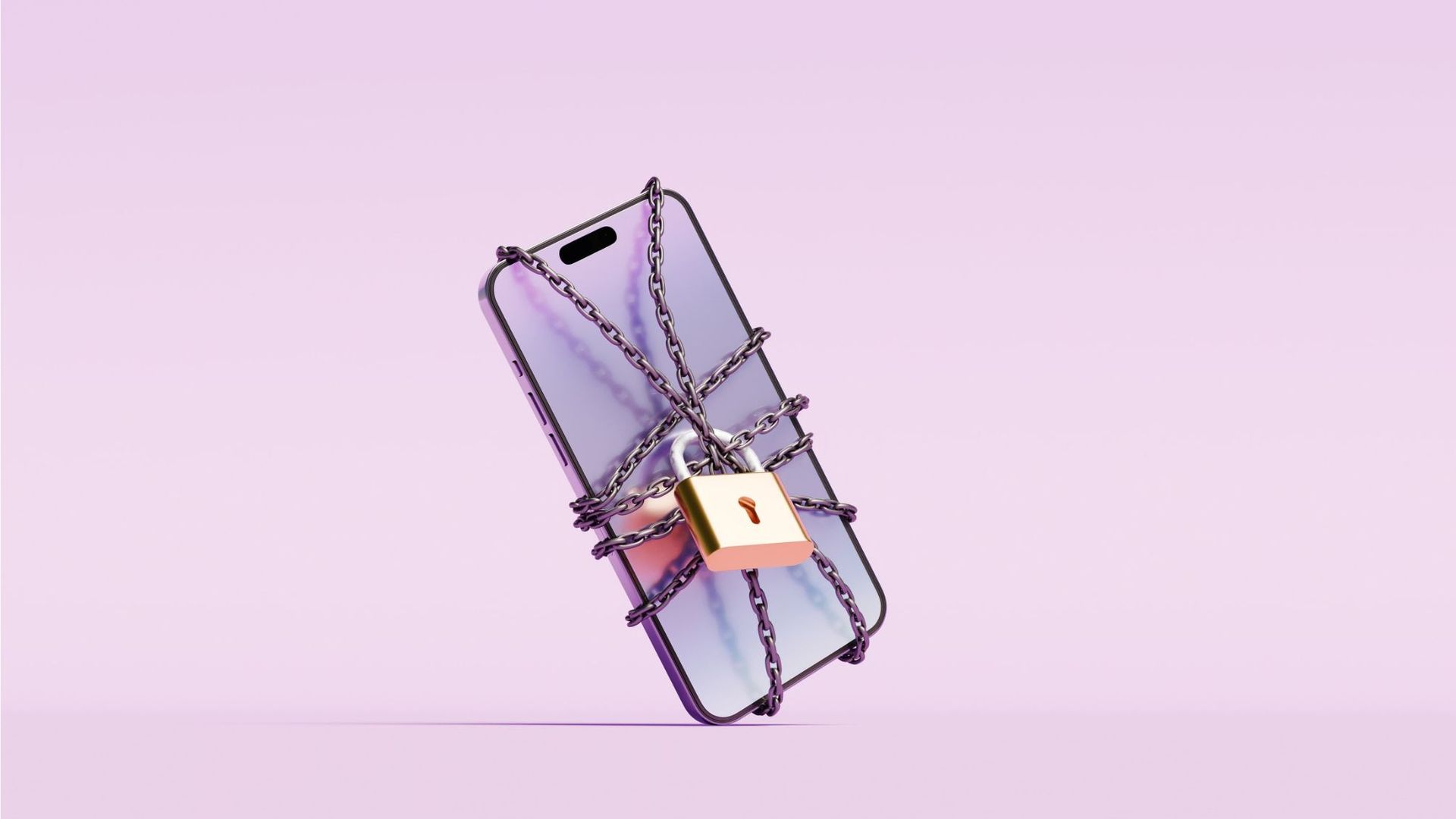
With online threats such as identity theft, phishing and scams becoming more common, cybersecurity tools can provide an additional layer of protection for your personal and financial information. Surfshark may be best known as a VPN provider, but the company has expanded its offerings to include a broader collection of privacy and security tools.
Today, Surfshark offers antivirus protection, data breach alerts, private web searches, tools that limit online tracking and other security features. This guide explains Surfshark's major features, what they do and what to consider when deciding whether they fit your online privacy and security needs.
Keep in mind that cybersecurity tools can reduce certain risks, but they can't eliminate the threat of online scams, fraud or cyberattacks. Good security habits, including using unique passwords, enabling multifactor authentication and independently verifying unexpected requests, remain important.
What is Surfshark?
Surfshark launched its VPN in 2018, with a focus on giving users more privacy and control over their online activity. While the company now offers a broader range of security tools, its VPN remains at the core of its service.
A VPN, or virtual private network, creates a more private connection by routing your internet traffic through a remote server. In the process, it encrypts your traffic and masks your IP address, making it more difficult for third parties to track your activity while you browse.
Surfshark builds on that VPN protection with additional privacy and security features, depending on the plan you choose. It currently offers three plans:
- Surfshark Starter: Includes Surfshark's VPN and Alternative ID, which lets you use alternative contact information instead of sharing your primary details online.
- Surfshark One: Adds antivirus, data breach alerts and scam protection to the VPN and Alternative ID features.
- Surfshark One+: Includes everything in Surfshark One, plus identity theft coverage and personal data removal through Incogni.
Get extra protection against scam texts with Surfshark
Surfshark's scam protection tools can:
● Help identify suspicious SMS messages
● Flag potentially dangerous links
● Detect impersonation attempts before you interact with them
Surfshark One plans start at $2.79 per month.
Scam protection is included with all Surfshark plans.View Deal
A VPN can add protection when you're online
Surfshark's VPN is designed to make online activity more private by encrypting your internet traffic and masking your IP address. You can set the VPN to connect automatically, so your internet traffic is routed through the VPN without having to manually turn it on each time.
A VPN can also add a layer of protection when you're using public Wi-Fi at an airport lounge, hotel, coffee shop or other location away from home, where you may have less control over the network you're connecting to.
Surfshark allows you to use its VPN on multiple devices simultaneously, including smartphones, laptops and tablets.
Alternative ID can help you share less personal information
The more personal information you share online, the more places that information could potentially be exposed in a data breach. Surfshark's Alternative ID can help limit that exposure by giving you alternative contact information to use when you don't want to provide your primary details.
Alternative ID can generate an online name, email address and phone number to use for newsletters, promotions, online accounts and other websites. An autofill feature can enter those details for you, making it easier to sign up for discounts and offers without repeatedly sharing your primary contact information.
Using alternative information won't prevent identity theft or fraud, but it can reduce how widely your personal details are shared online and add another layer of privacy.
Surfshark Alert can flag exposed information
Surfshark Alert monitors for signs that your personal information has appeared in a data breach. Depending on what you choose to monitor, the service can alert you to exposed email addresses, passwords, addresses, credit card details and other identifying information.
Getting an early warning gives you an opportunity to respond. For example, if a password or email address is compromised, you can change your login credentials, review affected accounts for suspicious activity and take additional steps to secure them.
Surfshark Alert doesn't prevent data breaches or keep your information from being exposed. Instead, it helps you identify potential exposure so you can take action if your information is compromised.
CleanWeb can block ads, trackers and malicious content
Surfshark's CleanWeb feature blocks ads, trackers and potentially harmful content while you browse. It's available through the Surfshark VPN app and as a browser extension, which can provide protection even when you're not connected to the VPN.
Blocking trackers can limit how much of your browsing activity is collected, while filtering potentially malicious content may reduce your exposure to websites and other online threats designed to compromise your personal information. CleanWeb adds another layer of privacy and security, but it doesn't eliminate the risk of encountering scams or malicious content online.
Antivirus adds protection against malware
A VPN can help protect your privacy and internet traffic, but it isn't a substitute for antivirus software that scans your device for malware. Surfshark Antivirus adds that layer of protection by continuously scanning for viruses, malware and other threats.
Surfshark says its malware database is updated every three hours to help identify emerging threats. The antivirus also includes webcam protection on Windows and macOS, which can block camera access and alert you when an app or website attempts to use your webcam without permission.
Surfshark Antivirus has also been independently tested by AV-TEST. In its June 2026 Windows 11 evaluation, Surfshark Antivirus received 6 out of 6 for protection, 4.5 out of 6 for performance and 6 out of 6 for usability.
Surfshark Antivirus is included with Surfshark One and Surfshark One+, but not the Starter plan.
Know where Surfshark's protection ends
Surfshark offers many features to enhance your protection against online threats, but it's important to understand its limitations, too. A VPN, antivirus software or security tool cannot prevent every scam.
It's still possible to be tricked into sending money, sharing a verification code, providing account credentials or responding to a convincing impersonation attempt. That's why basic security practices remain important:
- Independently verify unexpected financial requests: If you receive a text or email asking you to transfer money, provide account information or take another financial action, verify the request through a trusted channel. Open your bank's app, type its website address into your browser or call a known number rather than using a link or contact information in the message.
- Use unique passwords: Create a strong, unique password for every account, particularly financial accounts. Avoid easily guessed information such as a pet's name or birthdate. If one password is exposed in a data breach, using unique passwords can help prevent criminals from using the same credentials to access your other accounts.
- Enable multifactor authentication: Turn on multifactor authentication when it's available. It requires an additional form of verification beyond your password, making it more difficult for someone to access your account with stolen credentials. When available, an authenticator app or passkey can offer stronger protection than verification codes sent by text message.
How Surfshark could fit into your online security
Surfshark’s tools, like Alternative ID, Alert and Clean Web, can all work together to boost your online security. Consider the protections you already have in place and the risks that you're most concerned about when deciding which tools and protections you may need.
For example, if you're mainly interested in protecting your internet connection, your needs will be different from someone who wants a full suite of antivirus, breach monitoring and data broker removal under the same service.
Surfshark's appeal is in its ability to combine several privacy and security tools in one ecosystem at an accessible price point. However, those tools work best as part of a broader approach to protecting your money and personal information online.
Related Content
Popular Products
-
 Classic Oversized Teddy Bear
$23.78 -
 Gem's Ballet Natural Garnet Gemstone ...
$171.56$85.78 -
 Butt Lifting Body Shaper Shorts
$95.56$47.78 -
 Slimming Waist Trainer & Thigh Trimmer
$67.56$33.78 -
 Realistic Fake Poop Prank Toys
$99.56$49.78