Agm Pad P3 Rugged Tablet Review
AGM Pad P3: 2-minute review
Rugged tablets usually follow one rule. Make them big, make them heavy and hope the specification sheet distracts you.
The AGM Pad P3 does not play that game. It is an 8.68-inch tablet that measures 232 x 146 x 14.5mm. That is thin for a device that claims IP68 and IP69K protection. It means the tablet can survive brief submersion and high-pressure water jets. AGM says it is built for one-handed use, and it includes an adjustable strap for hands-free carrying.
Inside is the MediaTek Helio G99. It is an octa-core chip built on a 6nm process. It is paired with 6GB of RAM and 128GB of storage. A microSD slot can add up to 1TB more if you need extra capacity. The SoC wouldn’t be classed as fast in 2026, but it has proved dependable in a lot of budget hardware, and it’s better than many of its competitors. Android 16 is the real surprise, since many rivals are still shipping with Android 14. And some of those won’t be getting an upgrade to the latest release.
If this tablet has a weakness, it might be the screen. It has a 120Hz IPS panel with an 800 x 1340 resolution, and AGM quotes a peak brightness of 600 nits. That smooth refresh rate helps scrolling feel quick, but the limited resolution only supports 720p video playback.
Connectivity is practical, but hardly concurrent. You get dual 4G SIM support and eSIM, plus NFC, GPS and WiFi. But there is no 5G, which will matter to some buyers and not to others. The 7,200mAh battery charges at 18W, so this is not a device you can top up in a hurry.
On the back is a 50MP main camera, and on the front is an 8MP selfie, not great but not terrible either. The system supports at least Widevine L1, meaning Netflix and other streaming services can play in HD.
So this is a compact, tough and affordable tablet. It makes sensible choices where cheaper rivals make clumsy ones with even older technology and lesser specifications.
It might not be the best rugged tablet I’ve tested, but it represents good value for money.
AGM Pad P3: Price and availability
- How much does it cost? $236/£249/€300
- When is it out? Available now
- Where can you get it? Directly from AGM Mobile
To avoid confusion, this hardware has several naming options, including the AGM G3 Compact tablet and the AGM Pad P3, so I’ll use the latter.
The AGM Pad P3 is sold through the AGM EU store at a price range of €299 to €329, depending on whether you choose to include a tablet stand. The store lists versions with and without a tablet stand. AGM is also running a promotion that includes a free stylus with purchase, although this wasn’t included with my review model.
In the USA, you can get this hardware on Amazon for $235.99, and in the UK it’s £249.99.
That is a lot of tablet for the money. It is also significantly cheaper than AGM's own Pad P2 Active, which lists at €369 to €408.90 in the same store. The Pad P2 Active still runs Android 14. The P3 is smaller, has a faster 120Hz screen and runs a newer operating system.
Looking at the usual brand suspects for rugged tablets reveals that the Pad P3 may have found a niche, since most alternatives are more expensive, some excessively so.
The Samsung Galaxy Tab Active 5 is closer to $500. However, you get a much better software ecosystem, guaranteed updates, Samsung Knox enterprise security, and an included IP68-rated S Pen stylus. Samsung also have the Galaxy Tab Active 4 Pro, but that 10.1-inch design is north of $650.
A more affordable Samsung option is the Galaxy Tab A9 (8.7-inch), a tablet that mirrors the size of the AGM P3. It is incredibly affordable at around $175, features a great UI, and has mass-market accessory support. However, it lacks the smooth 120Hz fluid display, comes with only 64GB of storage, 4GB of RAM and lacks the processing power of the P3's Helio G99 chip.
The two competitors that AGM is truly up against are Ulefone and Oukitel, with the Armor Pad Pro from Ulefone and the RT3 Pro from Oukitel. The Armor Pad Pro is only $220, and that price includes 8GB of RAM and better cameras, but the SoC is less powerful.
The Oukitel RT3 Pro is the same price, comes with 4GB of RAM and 128GB of ROM, has only a 16MP main camera and runs Android 14. As with the Ulefone, it uses a less powerful SoC, in this case the G81.
The bottom line is that as a new product, the AGM Pad P3 is slightly more expensive than the closest competitor options, but the amount of processing power, RAM, and the 50MP primary camera sensor more than justify the extra money.
- Value score: 4/5
AGM Pad P3: Specs
Item | Spec |
CPU: | MediaTek Helio G99 (2x Cortex A76 at 2.2GHz + 6x Cortex A55 at 2.0GHz) |
GPU: | ARM Mali G57 MC2 |
RAM: | 6GB |
Storage: | 128GB + microSD (up to 1TB) |
Screen: | 8.68-inch IPS LCD, 120Hz |
Resolution: | 800 x 1340 (HD+), about 180ppi |
Peak brightness | 600 nits |
SIM: | Dual 4G SIM plus eSIM |
Weight: | 535g (measured) |
Dimensions: | 232 x 146 x 14.5mm |
Rugged spec: | IP68 and IP69K, MIL STD 810H [to be confirmed] |
Rear cameras: | 50MP main (single sensor) |
Front camera: | 8MP |
Networking: | 4G LTE, WiFi, Bluetooth, NFC, GPS |
Streaming: | Widevine L1 |
OS: | Android 16 |
Battery: | 7,200mAh, 18W wired charging |
Extras: | Adjustable carry strap, free stylus promotion, optional rotating metal stand |
Colours: | Grey |
AGM Pad P3: Design
- Slim by rugged standards
- One-handed use
- Stand is optional
Most rugged tablets are built like paving slabs. The AGM Pad P3 tries to avoid that form factor, being only 14.5mm thick, making it slimmer than many ordinary tablets with a protective case on.
My scales say it weighs 535g, although the official numbers are 540g, but that might include the provided strap. That is well under half the weight of the 8849 Tank Pad Ultra, which is a big difference if you carry a tablet all day.
The smaller 8.68-inch screen is critical to the design, letting you hold it in one hand like a large phone. That suits tradespeople on a job site, delivery staff and anyone using a tablet on their feet. An included strap supports hands-free carrying, connecting via loops through slots in each corner.
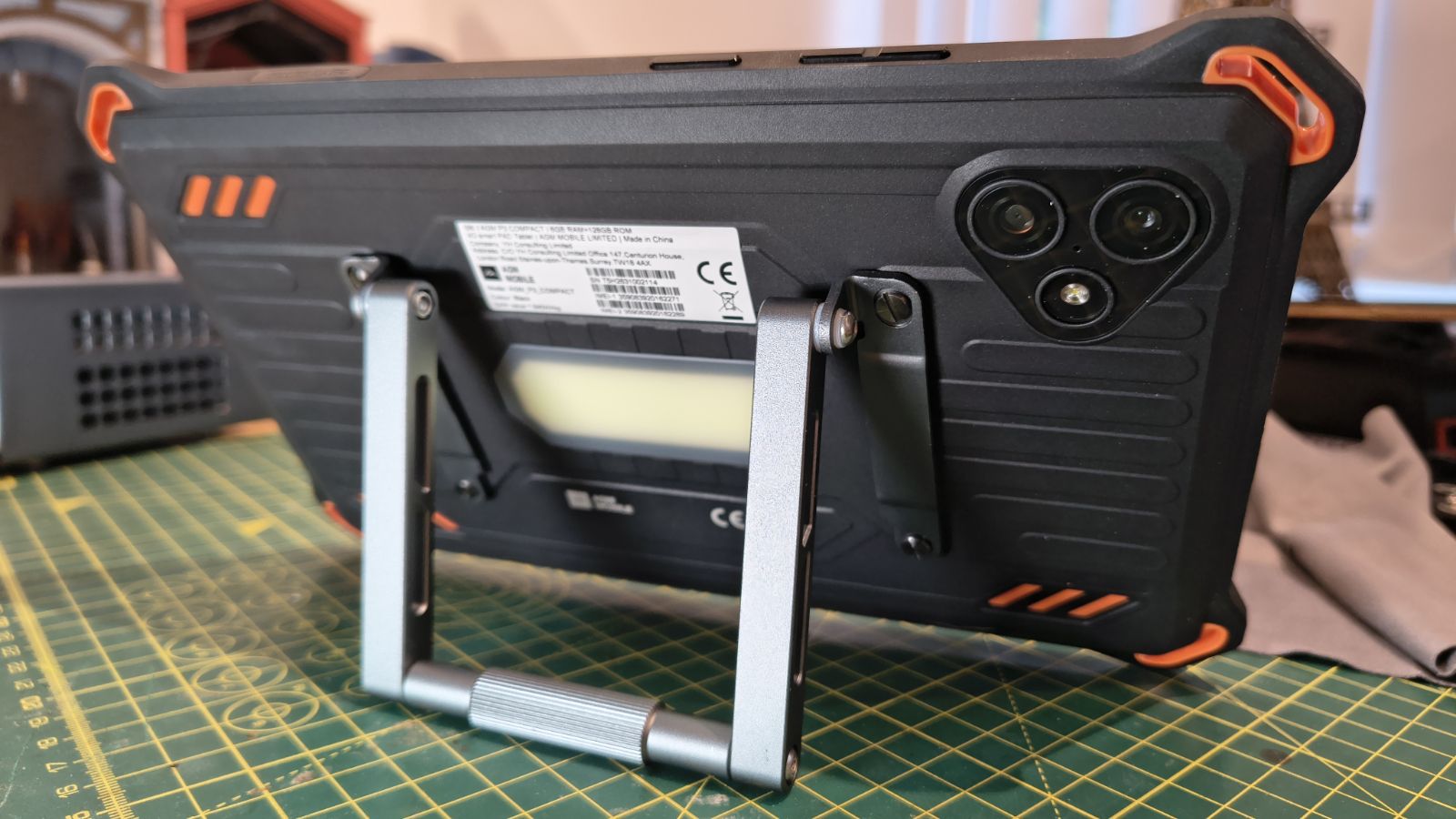
AGM offers an optional metal stand, which was included with my review machine. This relatively lightweight stand uses four tiny screws to secure it to the back of the P3. It offers a reasonably wide range of positions, from almost upright to nearly flat. In at least one position, it also supports the tablet in portrait orientation.
My only concern with the stand is that the small screws might easily be lost if you decide to remove them outdoors, and without those you won’t be able to reattach it.
The button layout is simple and predictable, with no custom buttons or special functions other than the power button and volume rocker. Because the buttons are small, there is no fingerprint reader, but it supports facial recognition from the front-facing camera.
The SIM and microSD tray was one of my least desirable aspects of the P3. The rubber plug is thin and difficult to remove, and once it's shifted, you need to then find the tray ejector from the box to get the SIM tray out. It’s all excessively fiddly, and it might have been easier without requiring a tool. The tray accepts either two SIMs or a SIM and microSD, but as this tablet supports an eSIM, that’s hardly a significant limitation.
The IP68 and IP69K ratings are the expected baseline, providing serious protection. IP69K adds resistance to high-pressure, high-temperature water jets. The AGM promotional material also cites a MIL-STD 810H drop test, but it doesn't say how far it fell or what surface it landed on. It’s normally impossible for reviewers to test devices to destruction, but the P3 looks like it could take some abuse and keep working.
Design score: 4/5
AGM Pad P3: Hardware
- MediaTek Helio G99
- 8.68-inch 120Hz display
- 7,200mAh battery
The Helio G99 is an old friend, as I’ve covered it in both tablet and phone reviews previously. It uses two fast Cortex-A76 cores and six efficient A55 cores on a 6nm process. The Mali G57 GPU is modest, but better than what you find in budget phones. The G99 is a platform for apps, maps, documents, and video, not demanding games.
AGM has paired it with 6GB of RAM, which is adequate but not exactly indulgent. The 128GB of storage is equally fine, and the microSD slot means you can get more storage space if you need it. Cards up to 1TB are supported, although you can only use one physical phone SIM if you install a microSD.
From a hardware perspective, the most compromised feature is the screen.
At 800 x 1340 on an 8.68-inch panel, it delivers only about 180 pixels per inch. That is on the low side, making text slightly lumpy and fine detail in photos appears missing until you zoom in. On the plus side, the 120Hz refresh rate makes everything feel smoother than the resolution suggests.
AGM claims a peak of 600 nits, and it can be bright, but the glossy display still makes it hard to see in natural outdoor light. If you can find a screen protector with an anti-reflection coating that fits, it might work better outdoors.
As I mentioned in the intro, Widevine L1 certification is included, enabling it to stream HD content from most content providers. The only caveat to that is that the screen resolution doesn’t allow for anything higher than 720p, which has been designated ‘HD’ by marketing gurus.
I wish this tablet had an HDMI port, where it could display 1080p to a suitable TV, because the tablet is undoubtedly capable of doing that. But given how many tablets have only Widevine L3 encryption, even expensive ones, AGM deserves recognition for using L1.
The 7,200mAh battery is modest, but the screen is small, and the SoC is reasonably frugal, so it still lasts a decent amount of time. The snag is that the fastest charging you can get with the included charger is 18W. Some phones can charge at 55W, and some tablets take more power than that. In my performance assessment, I’ll cover how 18W charging affects speed.
The last few points about the hardware in the P3 are that it has no 5G, though dual 4G SIM and eSIM support covers most uses. NFC and GPS are on board.
Overall, not a spectacular platform, but one that is appropriate to its price and potential uses.
- Hardware score: 3.5/5
AGM Pad P3: Cameras
- 50MP on the rear
- 8MP on the front
- Two cameras in total
The AGM Pad P3 has two cameras:
Rear camera: 50MP Omnivision OV50B40
Front camera: 8MP BYD BF20A1
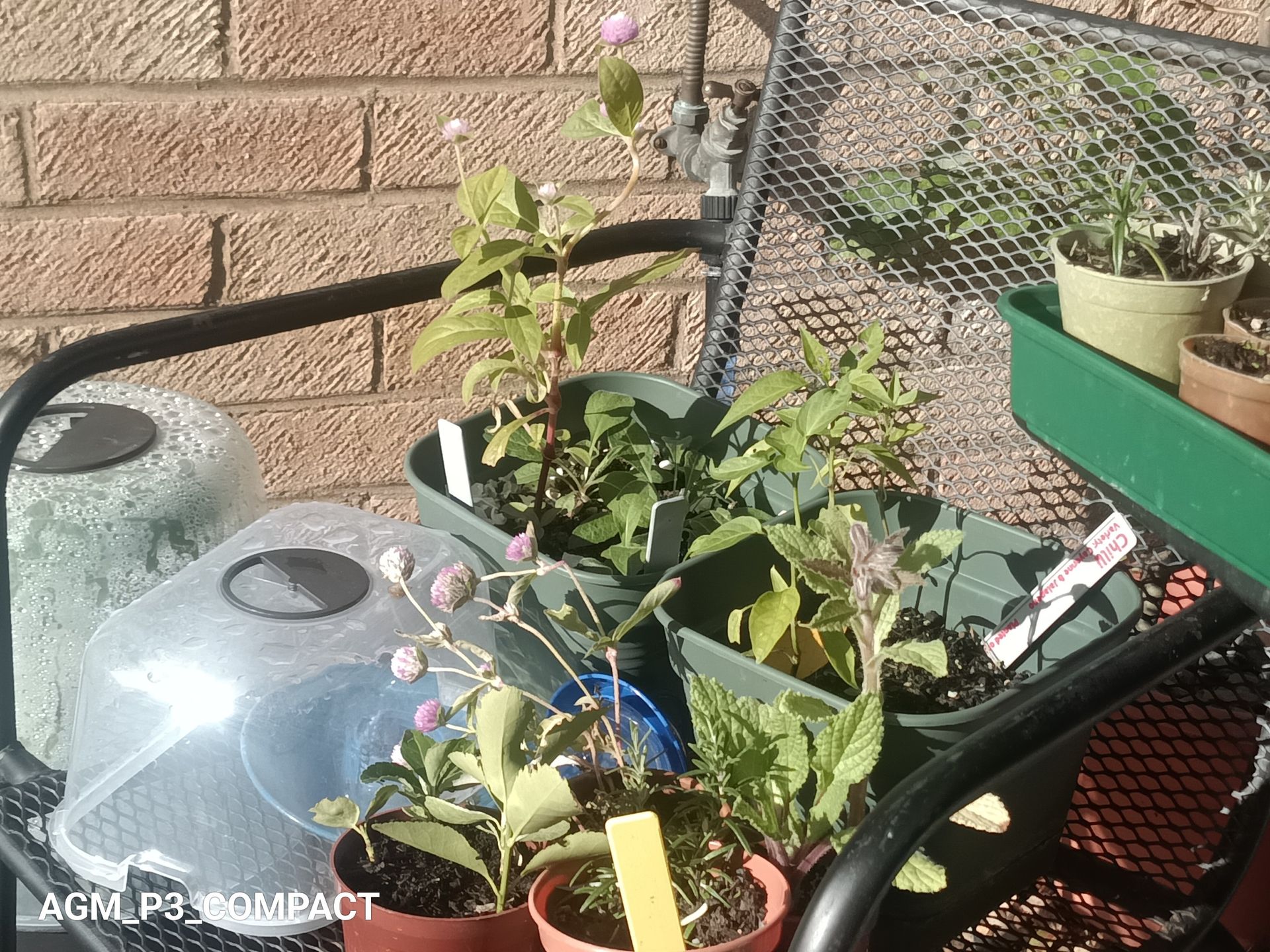
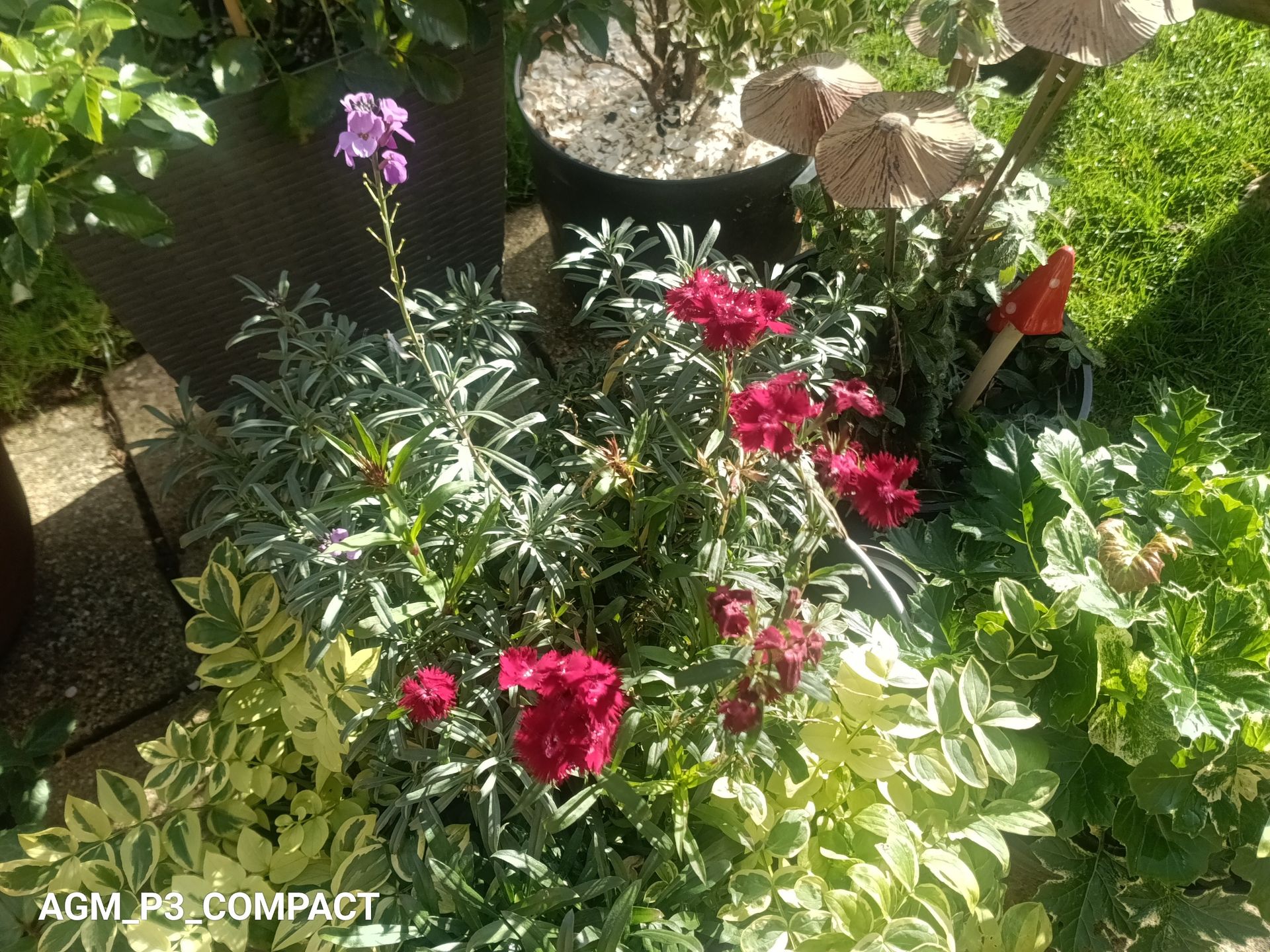
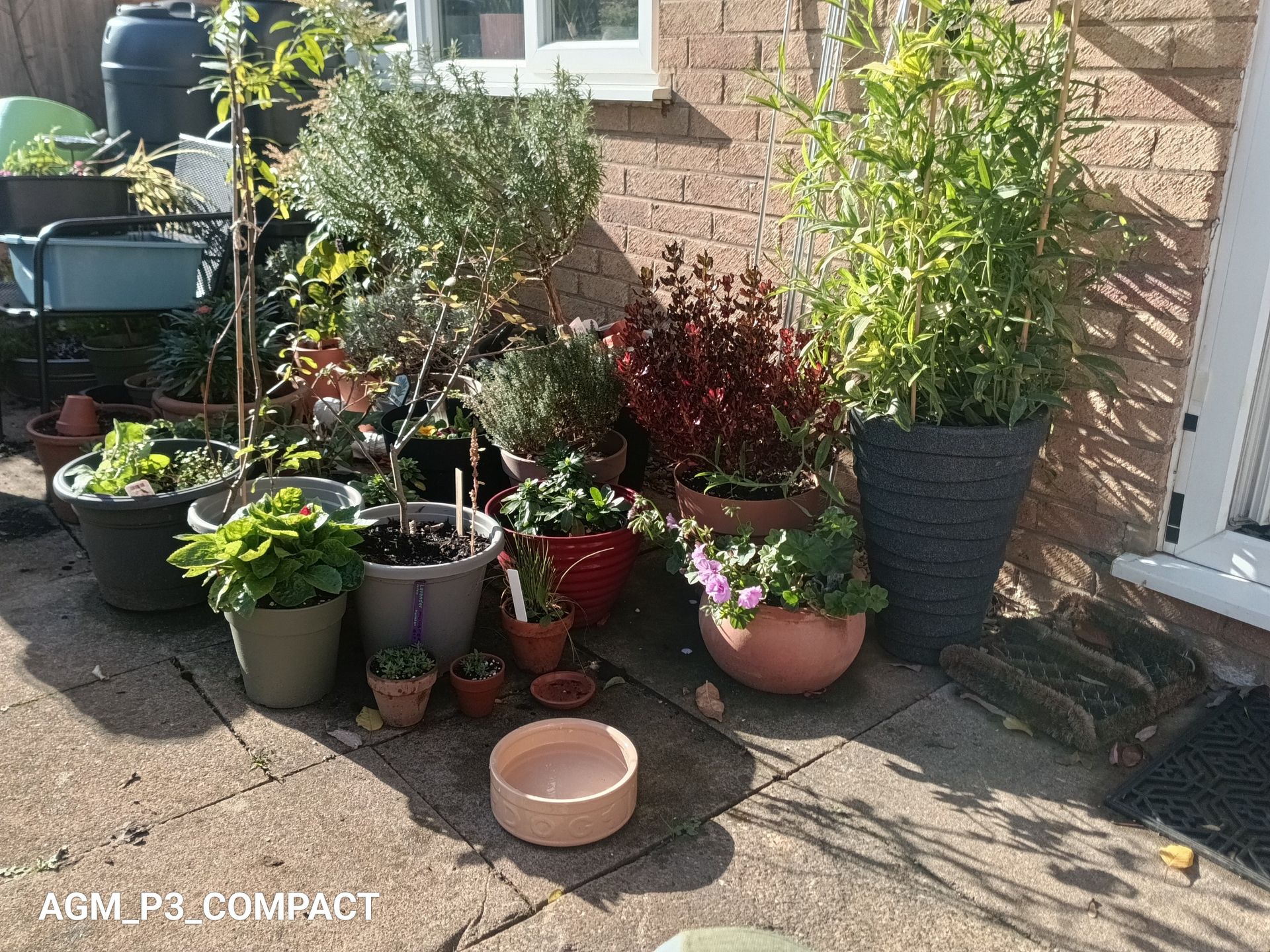
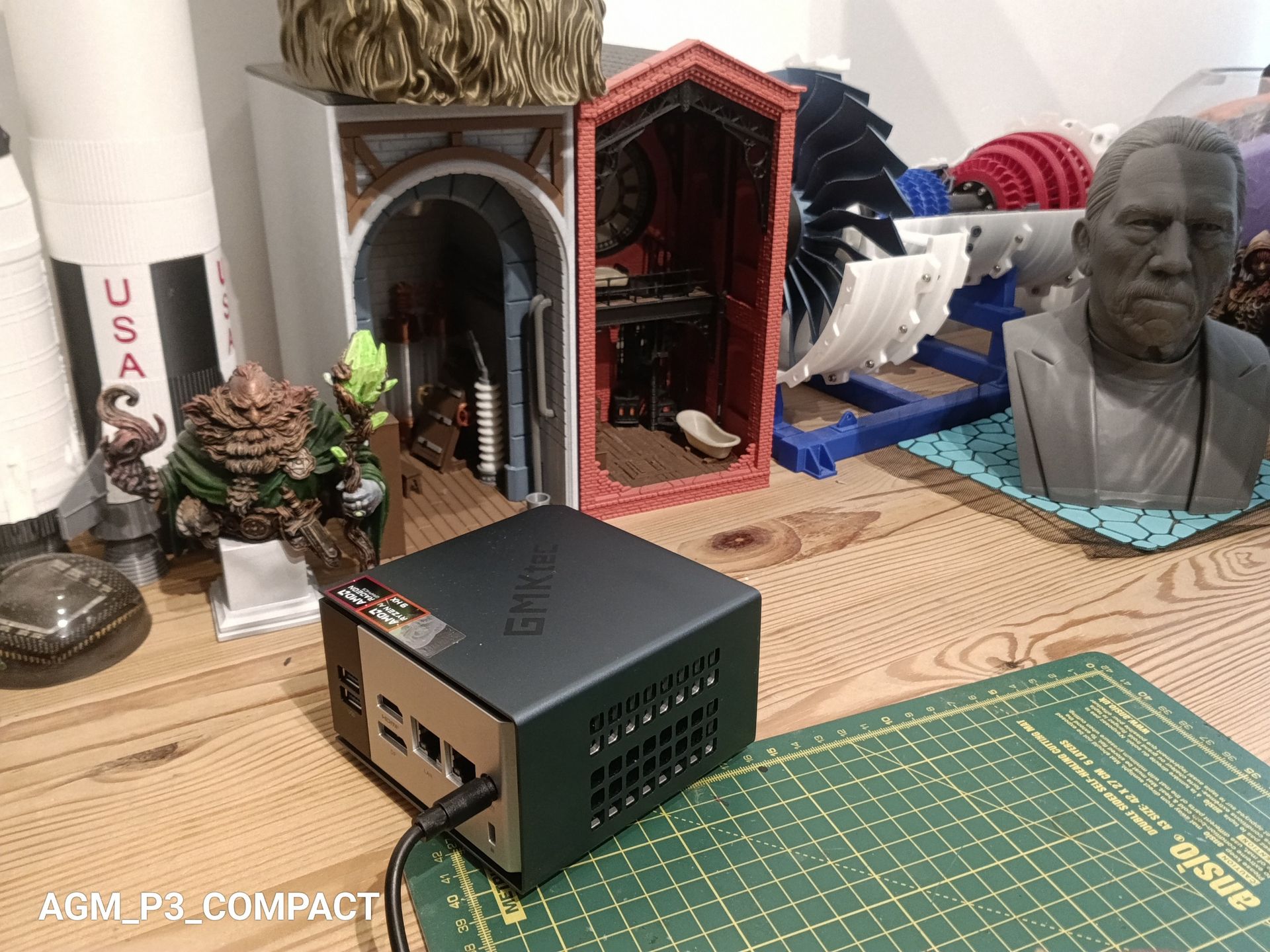
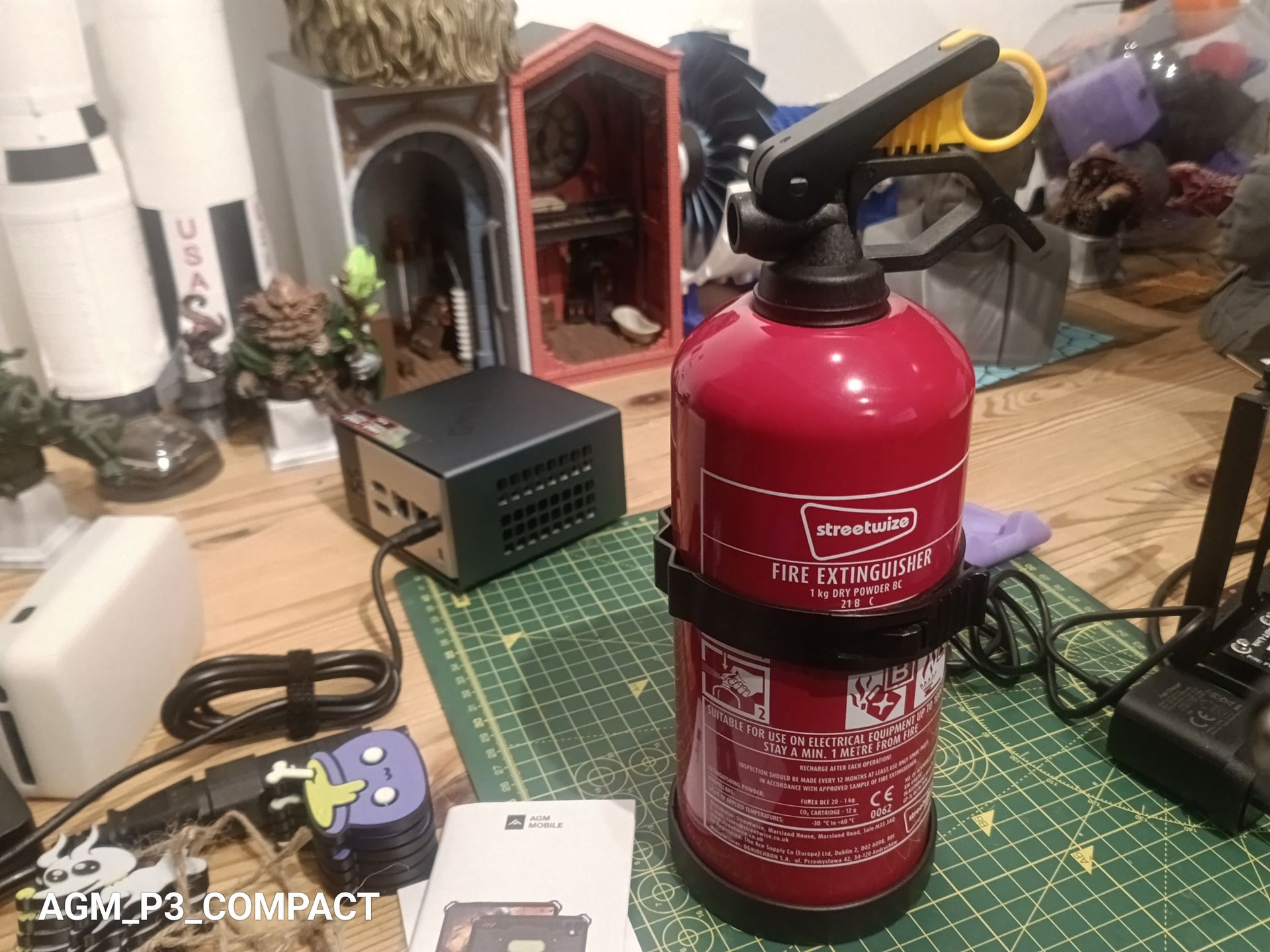
The main camera is a 50MP unit by Omnivision, the OV50B40. For a camera sensor in a tablet, this one is reasonable, as it uses pixel binning to achieve better colour representation.
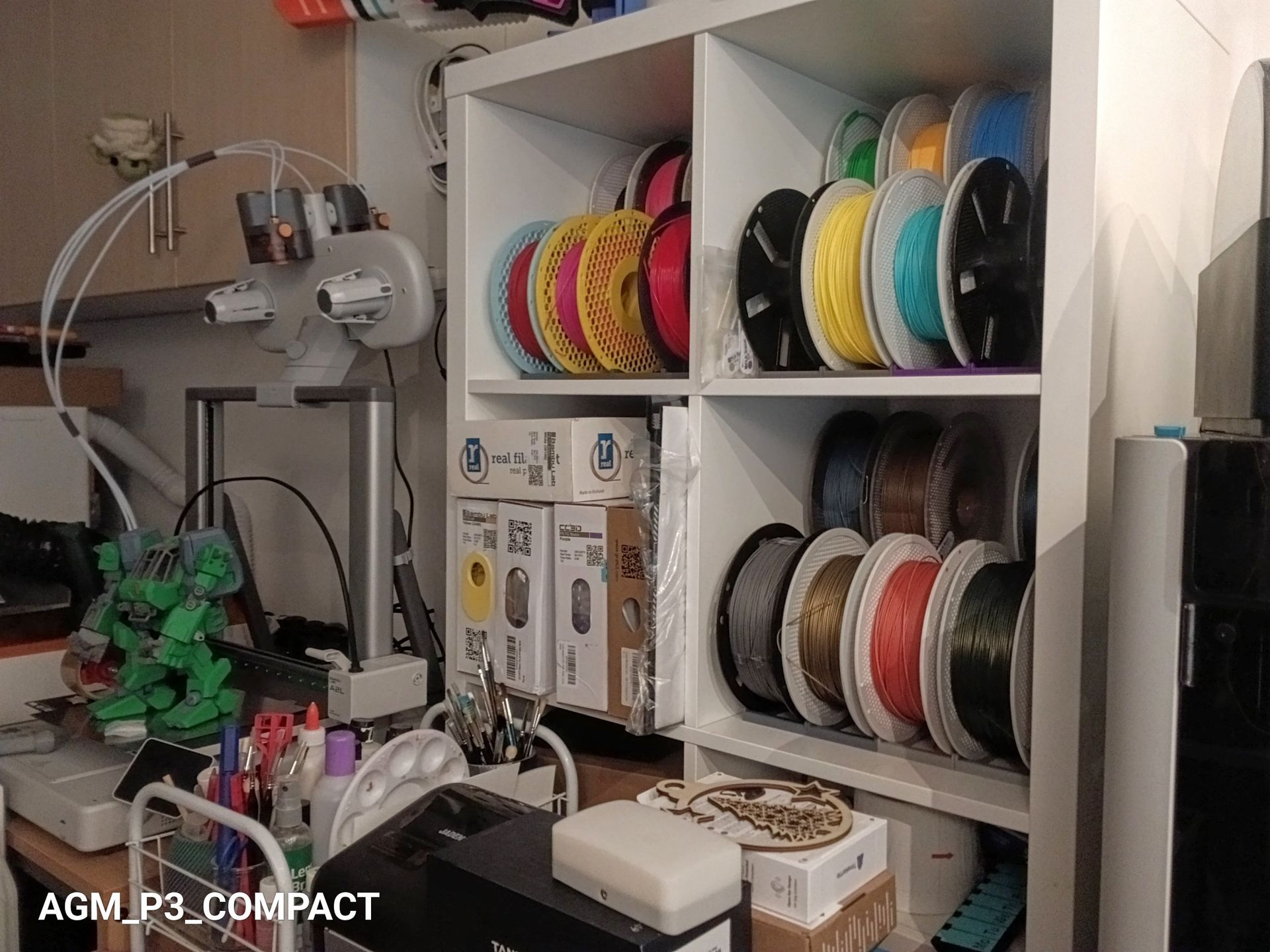
But, in my testing, it didn’t care much for low-light conditions, resulting in grainy results.
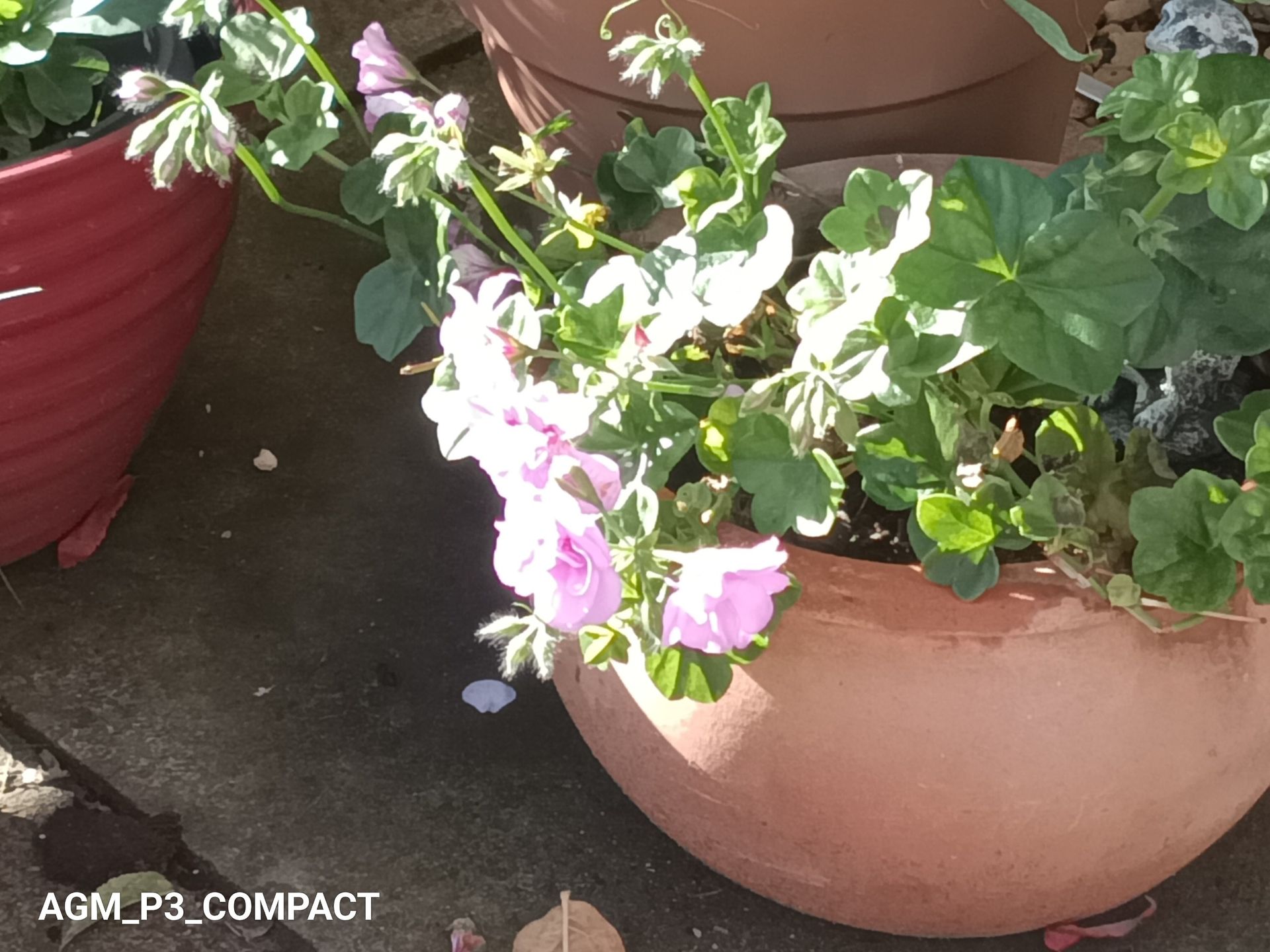
It is possible to take some good pictures with this sensor, but most are taken outside in strong natural light. As you can see in my indoor shots, this sensor tends to crush contrast and slightly wash out saturation below a certain lighting threshold.
Looking at the drivers compiled for the Android distro on this phone, it suggests there might also be a 0.3MP focusing sensor, but AGM doesn’t explicitly mention it or list it in the phone's specifications.
What it does mention for selfie taking is an 8MP BYD chip designed by that brand for cars, like parking cameras and self-driving functionality.
With many phones now coming with Sony 32MP selfie cameras, this one appears to be intended as a cost-saving measure for the makers.
What’s slightly fascinating is that the best video resolution available is the same for both front- and rear-facing cameras, that being 1080p. Although the rear can offer 60fps over 30fps on the front.
The 50MP Omnivision OV50B40 specification says it supports video at 8K at 30fps, 4K at 90fps, 1080p at 240fps, and 720p at a whopping 480fps. However, the G99 can only process 2K (2048 x 1080) at 30 fps, but the camera app doesn’t have those as options. So what does it do with all those unused sensor pixels? It has stabilisation, which is useful for shooting on the move.
Let us be realistic. Nobody buys a tablet like this for photography, I hope. It is a tool for documenting. Think site inspections, damage records and stock checks. What matters is whether the camera is quick, steady and legible.
The primary sensor is good enough for that, and the selfie camera is acceptable for quick face-to-face conversations.
AGM Pad P3 Camera samples

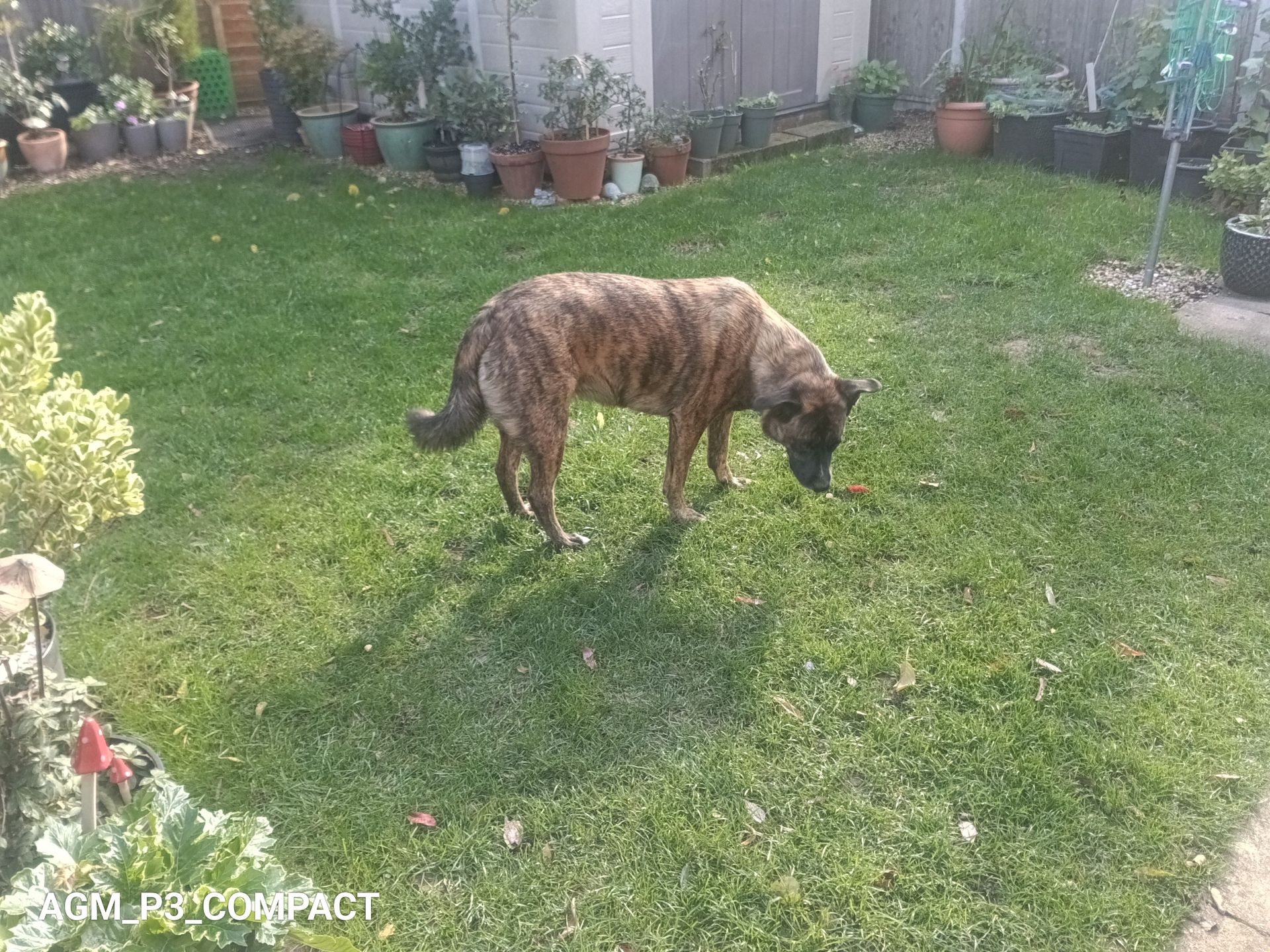
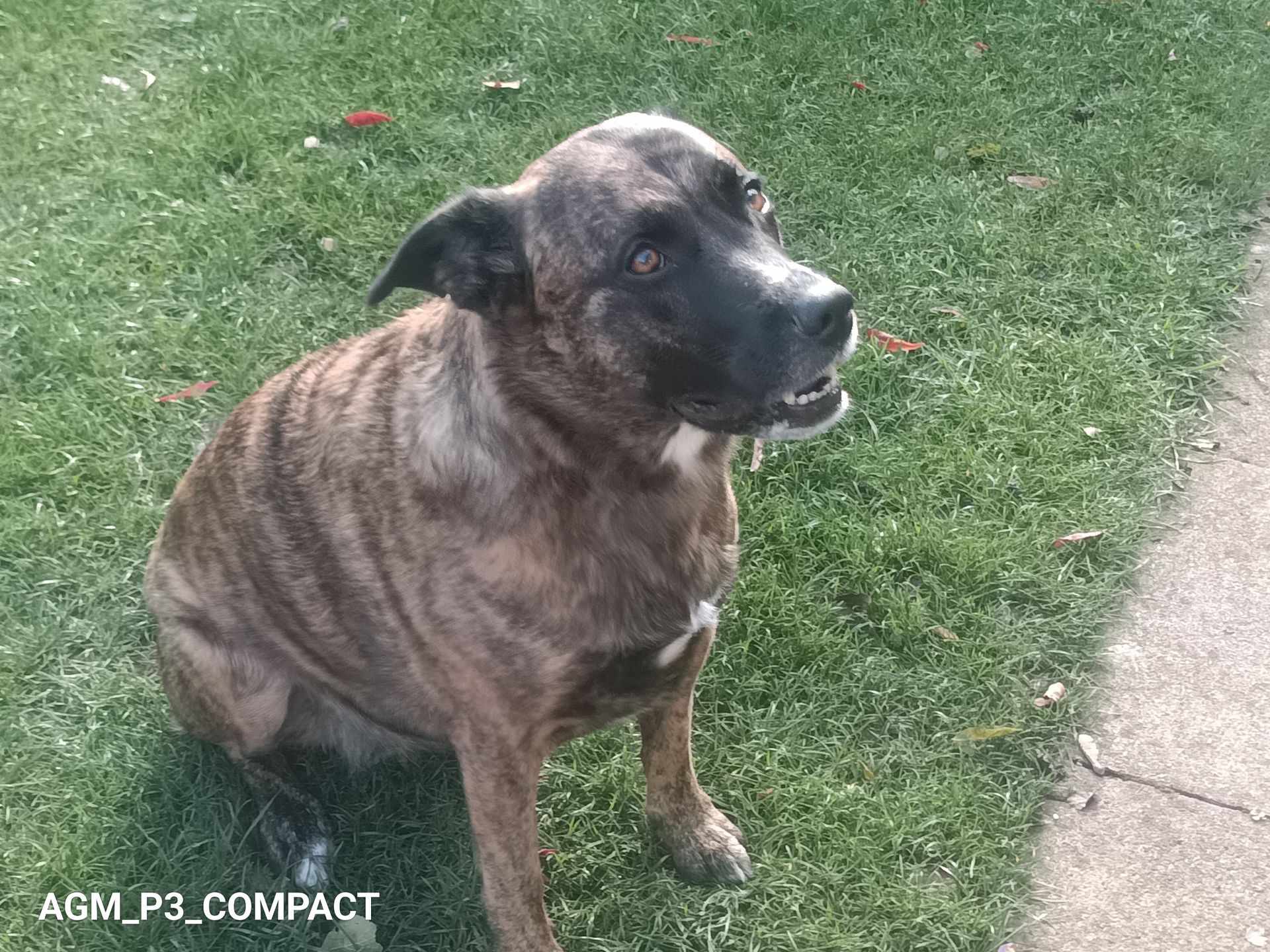
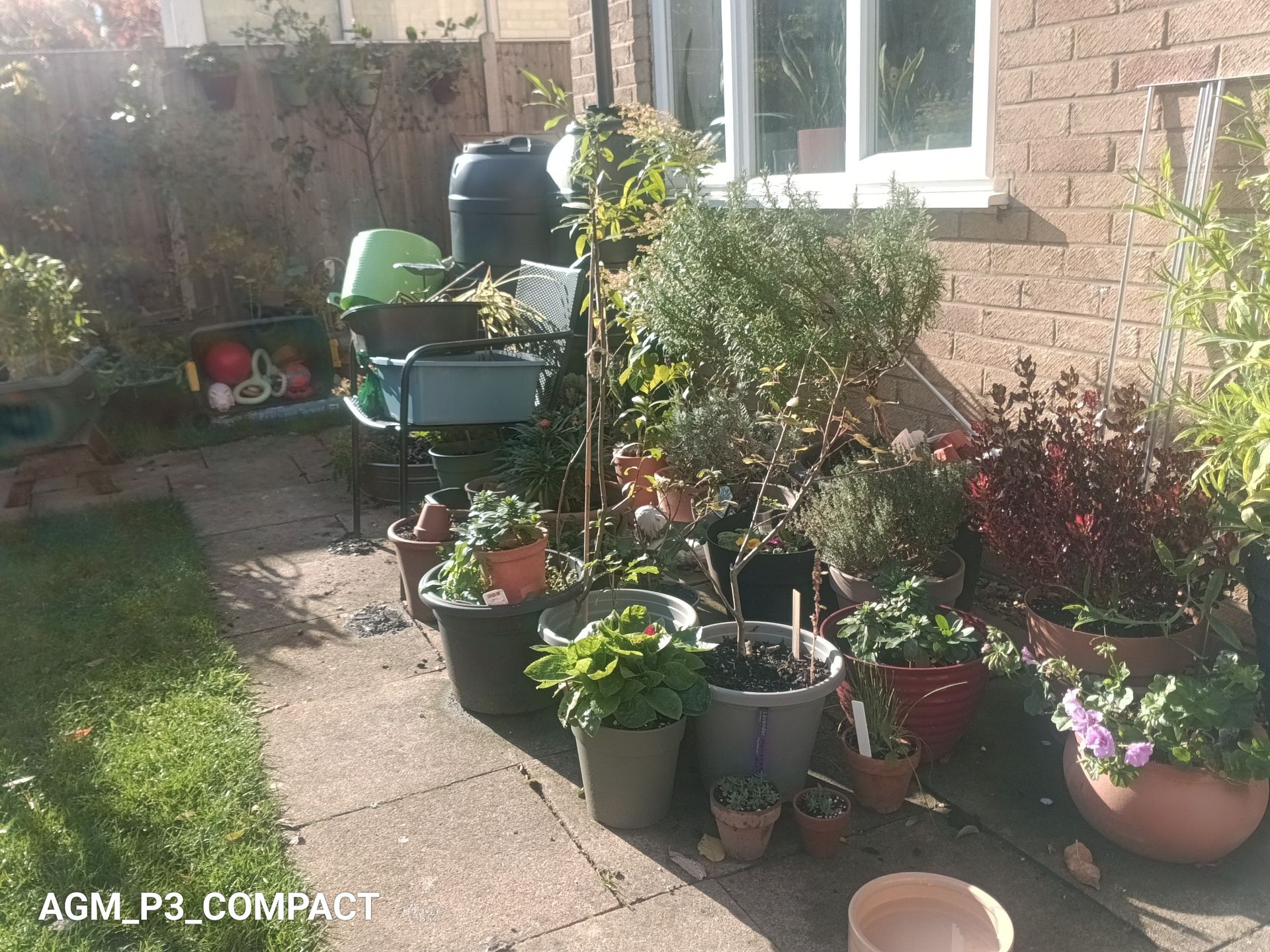
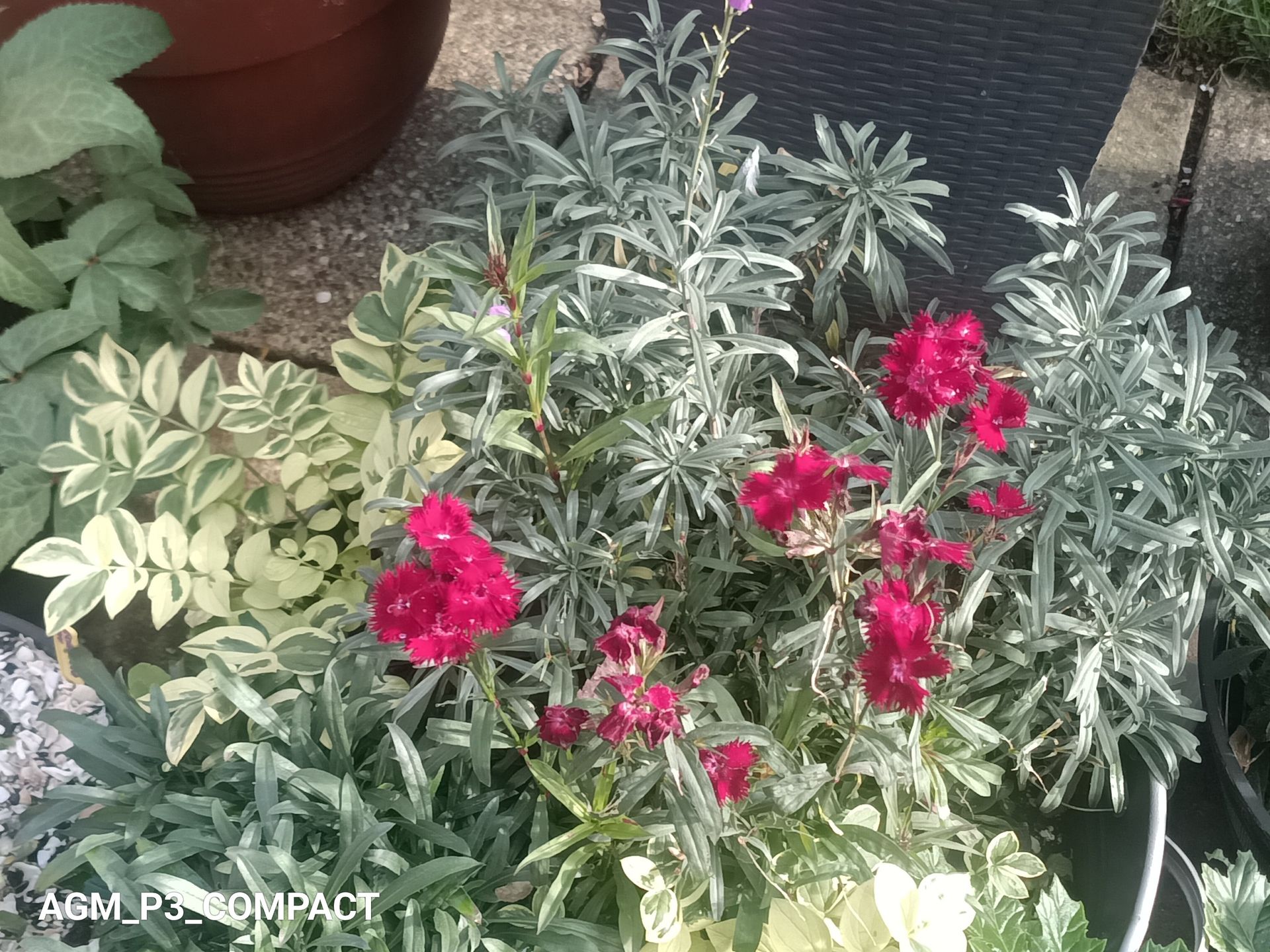
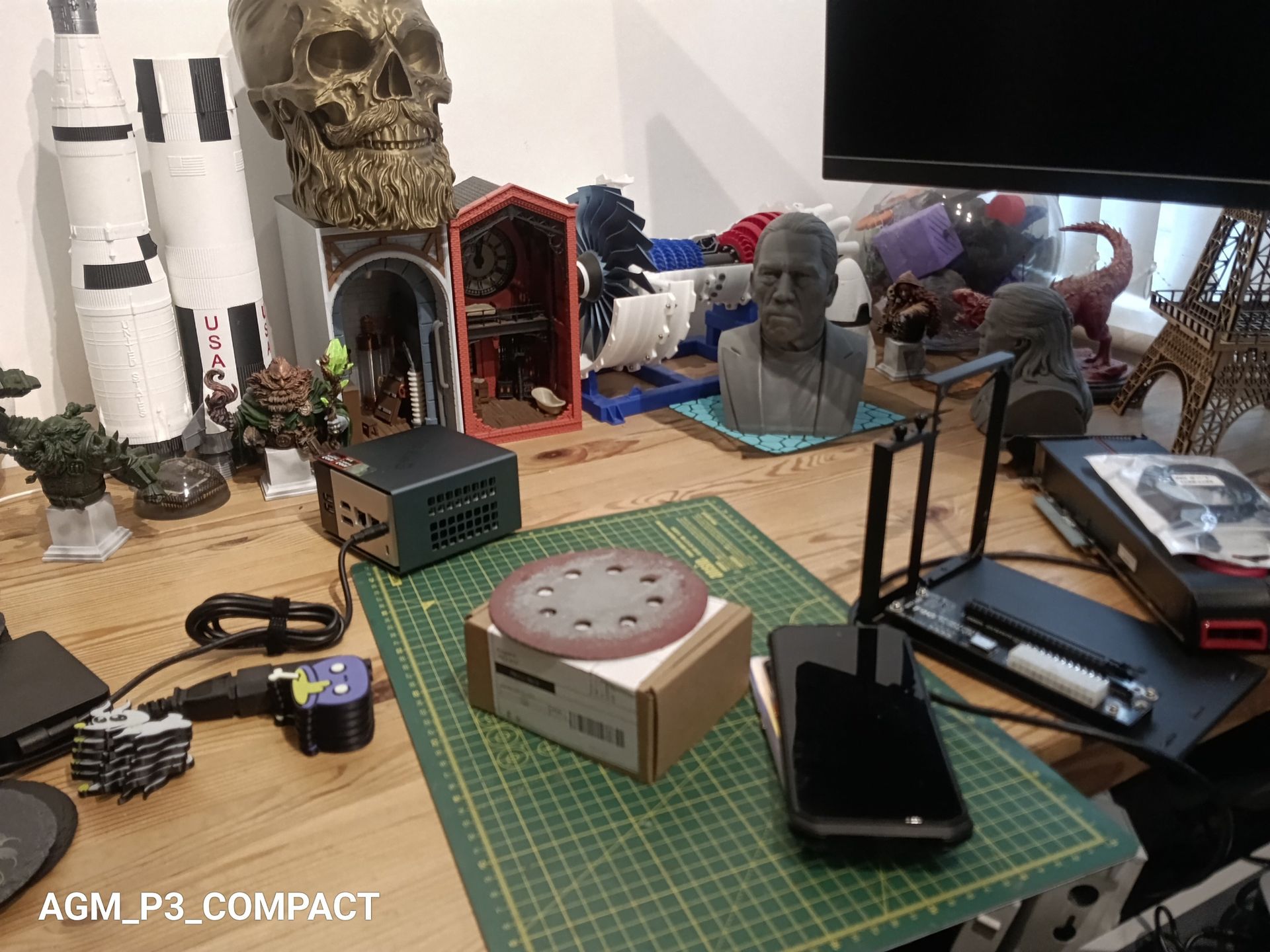
- Camera score: 3/5
AGM Pad P3: Performance
- Modern SoC
- Good battery life
Tablet |
| AGM Pad P3 | Ulefone Armor Pad Pro |
SoC |
| MediaTek Helio G99 | MediaTek Helio G88 |
GPU |
| ARM Mali-G57 MC2 | ARM Mali-G52 MC2 |
Mem |
| 8GB/128GB | 8GB/128GB |
Weight |
| 535g | 560g |
Battery Capacity | mAh | 7200 | 7,650 |
Geekbench | Single | 726 | 342 |
| Multi | 2014 | 1239 |
| OpenCL | 1604 | 1137 |
| Vulkan | 1541 | 1127 |
PCMark | 3.0 Score | 10014 | 7070 |
| Battery | 19h 50m (0%) | 15H 4m (20%) |
Charge 30 | % | 22% | 6% |
Passmark | Score | 5968 | 6800 |
| CPU | 4579 | 3280 |
3DMark | Slingshot OGL | 2607 | 1652 |
| Slingshot Ex. OGL | 2584 | 1259 |
| Slingshot Ex. Vulkan | 2463 | 1313 |
| Wildlife | 1314 | 641 |
| Wildlife Extreme | 374 | N/A |
The Helio G99 is no speed demon, but it’s better than the G88 that Ulefone used in its original Armor Pad Pro. That puts it in the middle of the budget field.
The natural comparison was AGM's own Pad P2 Active, which uses the same chip, but there wasn’t much to gain from comparing such similar machines.
The more interesting aspects of these results are to do with battery life, since the G99 is a 6nm chip, and the G88 is 12nm. The reduction in track size for the G99 provides greater power efficiency, and that is reflected in the nearly 20 hours it ran PCMark battery test versus the 15 that the G88 system managed. Admittedly, the Ulefone Armour Pad Pro still had 20% of power left, hinting at another two hours and 15 minutes of runtime. But given that the battery is 6.25% larger on the Pad Pro, it's still an impressive win for the Pad P3.
Charging was abysmal on the Ulefone tablet, and while it's better on the AGM, it could still take between 2.5 and three hours to get a full charge using the included charger.
I also noticed that if you use a high-end charger, like one of the Ugreen Nexode power packs, it actually charges slower than normal. Phones and tablets that are tuned to a specific charger is a recent development, and one I’m not keen on.
Looking at these numbers, I expect everyday use to be fine with the Pad P3. The 120Hz screen helps the interface feel snappier than the silicon deserves, which is why I expect it was used. Android 16 is also a bonus, as it brings better security and, in theory, longer support.
But AGM could improve Android update availability, since they’ve historically never made it a selling point.
- Performance score: 3/5
AGM Pad P3: Final verdict
For tradespeople, delivery staff and field workers, the AGM Pad P3 is easy to recommend. It is tough, small and cheap. It also gets the details right that matter in daily use, like Widevine L1 and a modern version of Android.
For everyone else, it is a sensible rugged option that doesn't cost much or take up much luggage space. At this price, one shouldn’t expect miracles, obviously.
The shortcomings are plain. The screen resolution is low for the size. The Helio G99 is a budget chip, and 18W charging is slow. There is also no 5G, if that’s important to you. None of these caveats is a surprise at this price, but it's best to go into this with your eyes wide open.
Compared with the AGM Pad P2 Active, the P3 is cheaper, smaller, newer and has a faster screen, but the same underlying SoC. It lacks the removable case of the older tablet.
If you need something more powerful, bigger or with a projector, you should look elsewhere.
Which device suits you depends on how much you value portability, because that’s probably the strongest aspect of the AGM Pad P3.
Should I buy a AGM Pad P3?
Attributes | Notes | Rating |
|---|---|---|
Value | Low price for a rugged tablet with a modern OS | 4/5 |
Design | Slim, compact and tough | 4/5 |
Hardware | Sensible choices, but a low-resolution screen | 3.5/5 |
Camera | Fit for documentation work, but not ideal for photography | 3/5 |
Performance | Old SoC delivers an adequate budget platform | 3/5 |
Overall | Easy to carry and use, and highly affordable | 3.5/5 |
Buy it if...
You want a tablet that is easy to carry
At 14.5mm thick and with a small screen, it fits places that larger rugged tablets cannot. For those who need to hike to a remote location, or want to travel light, the AGM Pad P3 will be your lightweight companion.
You stream content on the move
Widevine L1 means HD playback on major streaming services, so you can watch movies in at least 720p, not 480p. It’s only the screen resolution that holds it back from using 1080p sources.
Don't buy it if...
Don’t buy if...
You need a sharp screen
At 800 x 1340, text and images are not crisp, and it’s not ideal for reviewing video or still image captures that are at much higher resolution than the display.
You need fast charging
An 18W charger will take a while to fill the battery, so this isn’t the tablet you need for work and forget to connect to the charger the night before. Also, you need to use the charger that came in the box to get the fastest possible charge.
Also Consider
Ulefone Armor Pad 5 Ultra
A 200-lumen DLP projector, 120W charging, heavier at 1.6kg, but with dual 1000-lumen floodlights and auto-keystone correction. The issue is that this tablet is much more expensive, even if it has better all-around specs.
Read my full Ulefone Armor Pad 5 Ultra review
Ulefone Armor Pad Pro
Another practical, rugged design with an inbuilt camping light, with a slightly older SoC than that in the AGM Pad P3. However, it has better camera sensors and 8GB of RAM. And it has the uSmart expansion port that enables the attachment of endoscopes or microscopes.
Read my full Ulefone Armor Pad Pro reviewView Deal
For more ruggedized devices, we've reviewed the best rugged phones, the best rugged laptops and the best rugged hard drives
Popular Products
-
 Professional Hair and Scalp Detection...
$1,765.99$1056.78 -
 Fairywill Sonic Electric Toothbrush Set
$148.99$103.78 -
 Electric Hair Straightener and Curlin...
$161.56$80.78 -
 High Tech Laser Therapy Watch For Hyp...
$536.99$374.78 -
 Wireless Health Tracker Smart Ring - R11
$131.56$65.78