I Stopped Starting Every Chatgpt Conversation From Scratch — These 5 Simple Changes Made It Much More Useful
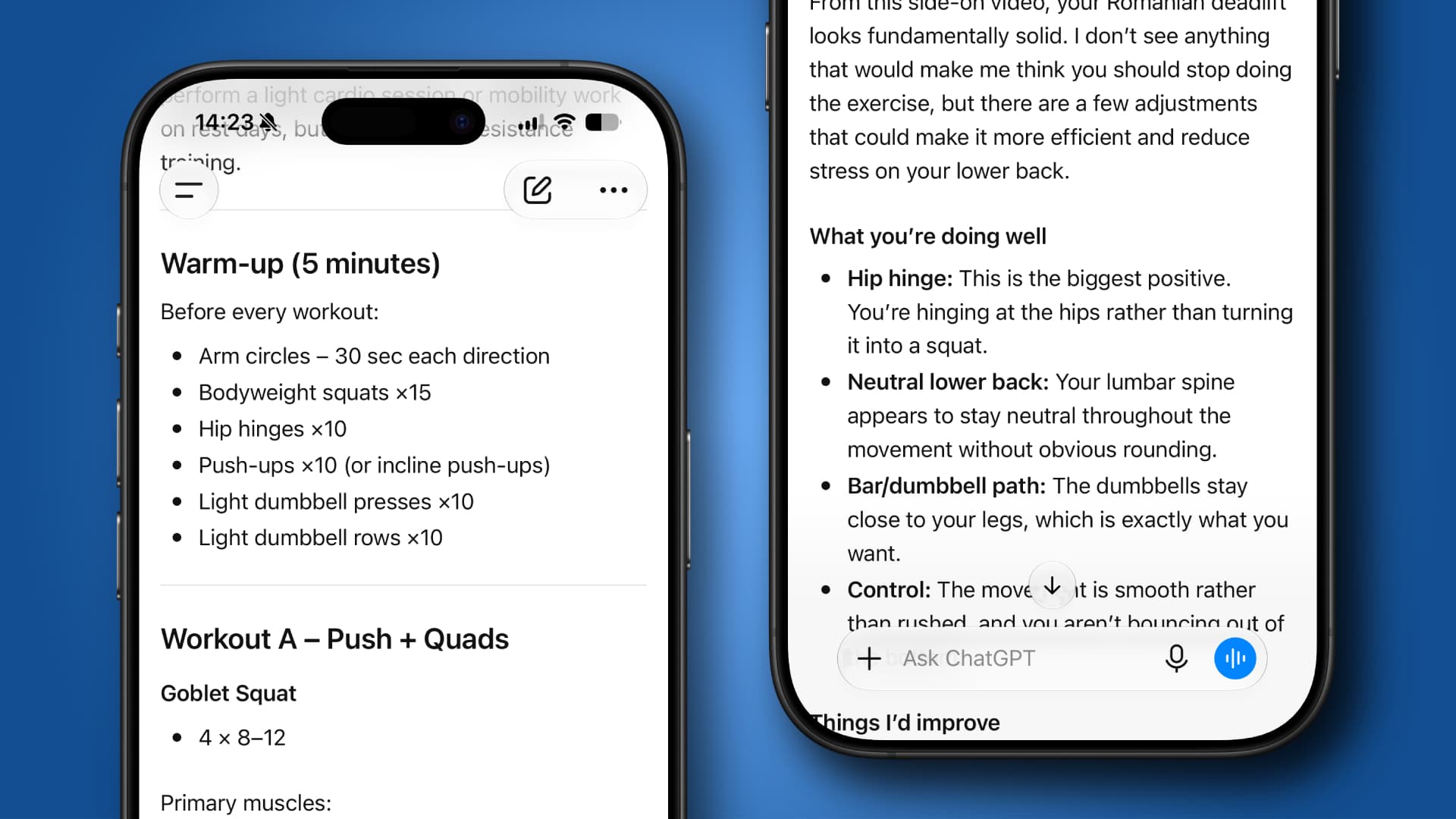
One of the easiest ways to waste time with ChatGPT is to keep introducing yourself. You explain your project, your preferences, your goals and your writing style, get a useful answer, close the conversation and then repeat the whole process the next day.
There is a better approach. Rather than treating ChatGPT as a blank page every time you open it, think of it as a workspace that can be organized just like your computer. A few reusable prompts, a handful of reference documents and a little planning can dramatically reduce the amount of repetitive setup you do every week.
The best part is that none of these ideas require advanced prompt engineering or obscure features. They are simple habits that make ChatGPT spend less time learning about your task and more time actually helping you complete it.
1. Build a starter kit
Most people have a handful of requests they make over and over again. They ask ChatGPT to write in a particular tone, explain technical topics in plain English, or ensure everything has a citation. Instead of typing those instructions every time, save them as a reusable starter prompt.
Think about the jobs you repeat most often. If you regularly write certain kinds of emails, create one prompt that explains the tone, preferred length, and audience. If you frequently ask for meal ideas, save a prompt that includes your dietary preferences, budget, and the equipment you have in your kitchen. When you need help, paste the prompt into a new conversation before asking the real question.
The same approach works for hobbies. Someone learning French could create a starter prompt asking ChatGPT to correct mistakes gently while keeping the conversation moving. A keen gardener might save instructions explaining the local climate, soil type, and the plants already growing in the garden. Those details only need to be written once, but they improve every conversation that follows.
2. Build a reference library
One of the most overlooked ChatGPT features is the ability to work from documents you provide. You can create a small collection of files that explain the things you work on most often. Upload the relevant document at the beginning of a conversation and let ChatGPT use it as the foundation.
Keep a document listing your family's favorite meals, allergies and disliked ingredients, then upload it whenever you ask for a weekly meal plan. Store another file containing your packing checklist, travel preferences, and loyalty memberships so ChatGPT can help plan trips without needing the same information every time.
3. Treat ongoing projects like ongoing conversations
Many people instinctively click New Chat whenever they have another question for ChatGPT. That makes sense if today's topic has nothing to do with yesterday's. For projects that stretch over days or weeks, though, continuing the same conversation saves an enormous amount of time because all of the earlier decisions remain available.
Imagine planning a home office makeover. The first conversation might focus on furniture, the second on paint colors, and the third on lighting. By keeping everything together, ChatGPT already knows the size of the room, the budget, the style you like, and the desk you eventually chose. It can build on those decisions instead of asking you to repeat them.
The same habit works beautifully for learning new skills. If you are studying guitar, keep one conversation dedicated to practice. One day you ask about chord changes, the next you work on rhythm. Over time, the conversation becomes a record of your progress rather than a collection of disconnected lessons.
4. Give ChatGPT an example worth copying
ChatGPT usually produces better work when you show it what a good answer looks like. Instead of describing a tone as “friendly but professional,” paste in a paragraph, email, or product description that already sounds right and ask it to match the pacing, level of detail, and structure. This works especially well for recurring tasks such as newsletters, social posts, client updates or article introductions, where a vague style request can lead to something polished but strangely generic.
The example does not have to cover the same subject. A restaurant review can help shape the tone of a travel piece, while a strong project update can become the model for future internal messages. Be specific about what ChatGPT should imitate and what it should ignore, such as keeping the sentence length and warmth while avoiding the original wording or subject matter.
5. Ask for a second pass with a different job
A strong first draft often becomes much better when ChatGPT is given a new role for the revision. After it writes something, ask it to review the answer as an editor, skeptical reader, subject matter expert or member of the intended audience. Each perspective catches a different kind of weakness, from awkward phrasing to missing context or assumptions that only make sense to someone already familiar with the topic.
For example, after generating a travel itinerary, ask ChatGPT to review it as a parent traveling with a toddler and identify any unrealistic transitions. After drafting a business proposal, ask it to review the document as a cautious buyer who wants clearer costs and fewer vague promises. The second pass tends to be more useful when the reviewing role has a concrete reason to object.
None of these ideas make ChatGPT more intelligent. What they do is remove the unnecessary friction that creeps into everyday use. Instead of spending the first five minutes explaining who you are and what you need, you start much closer to the interesting part of the conversation. Once you stop rebuilding the same foundation every day, you can spend your time exploring better ideas instead of laying the same bricks over and over again.
Popular Products
-
 Digital Electronic Smart Door Lock wi...
$211.78$105.89 -
 Bluetooth Smart Sunglasses with Wirel...
$455.56$17.78 -
 Wireless Bluetooth Mobile Selfie & Re...
$15.99$4.78 -
 Smart Ring Health Tracker with Heart ...
$54.99$37.78 -
 Terramaster D6-320 External Hard Driv...
$920.99$550.78