The New Remarkable Paper Pure Wowed Us With Its 'flawless' Pad-and-pen Experience, But It's Far From The Only Great Handwriting Tablet On The Market — Here Are Our Top Alternatives
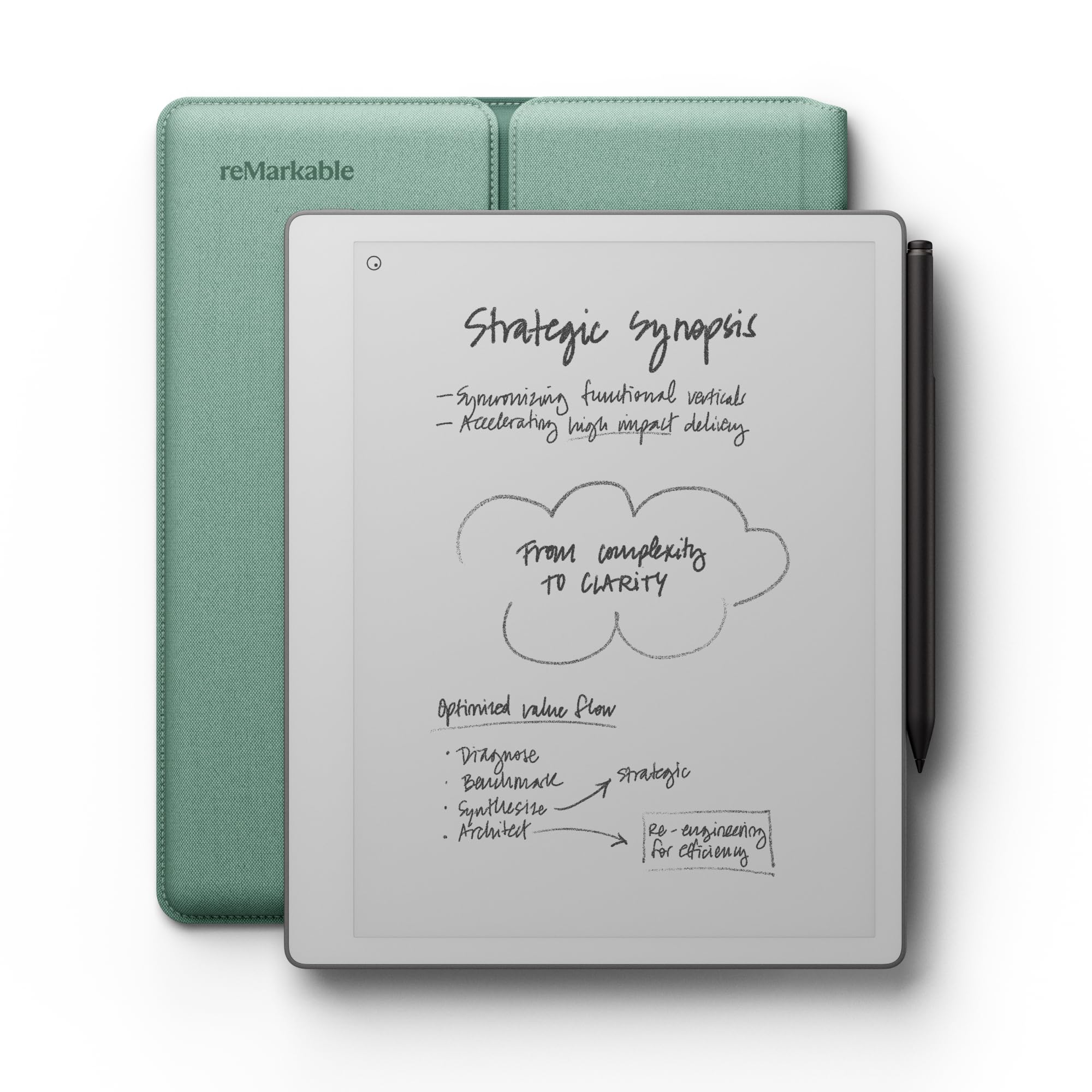
The new reMarkable Paper Pure is an impressive handwriting tablet, but it's facing stiff competition in the e-ink slate market. If you're thinking of buying one, it's worth taking a look at the alternatives to make sure there's not an option that'd be a better fit for you. We've tested several excellent e-ink tablets; I've rounded up our favorites below.
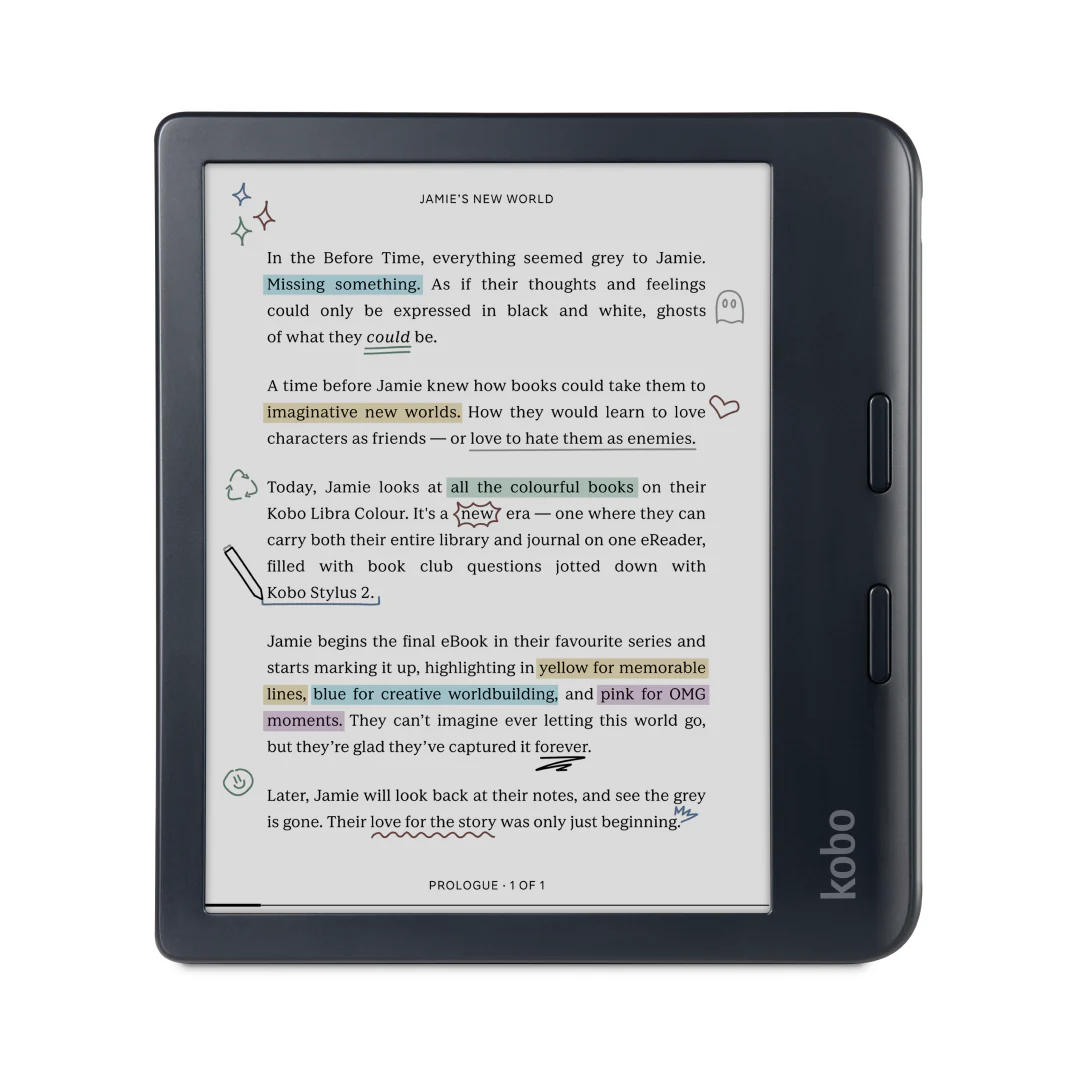
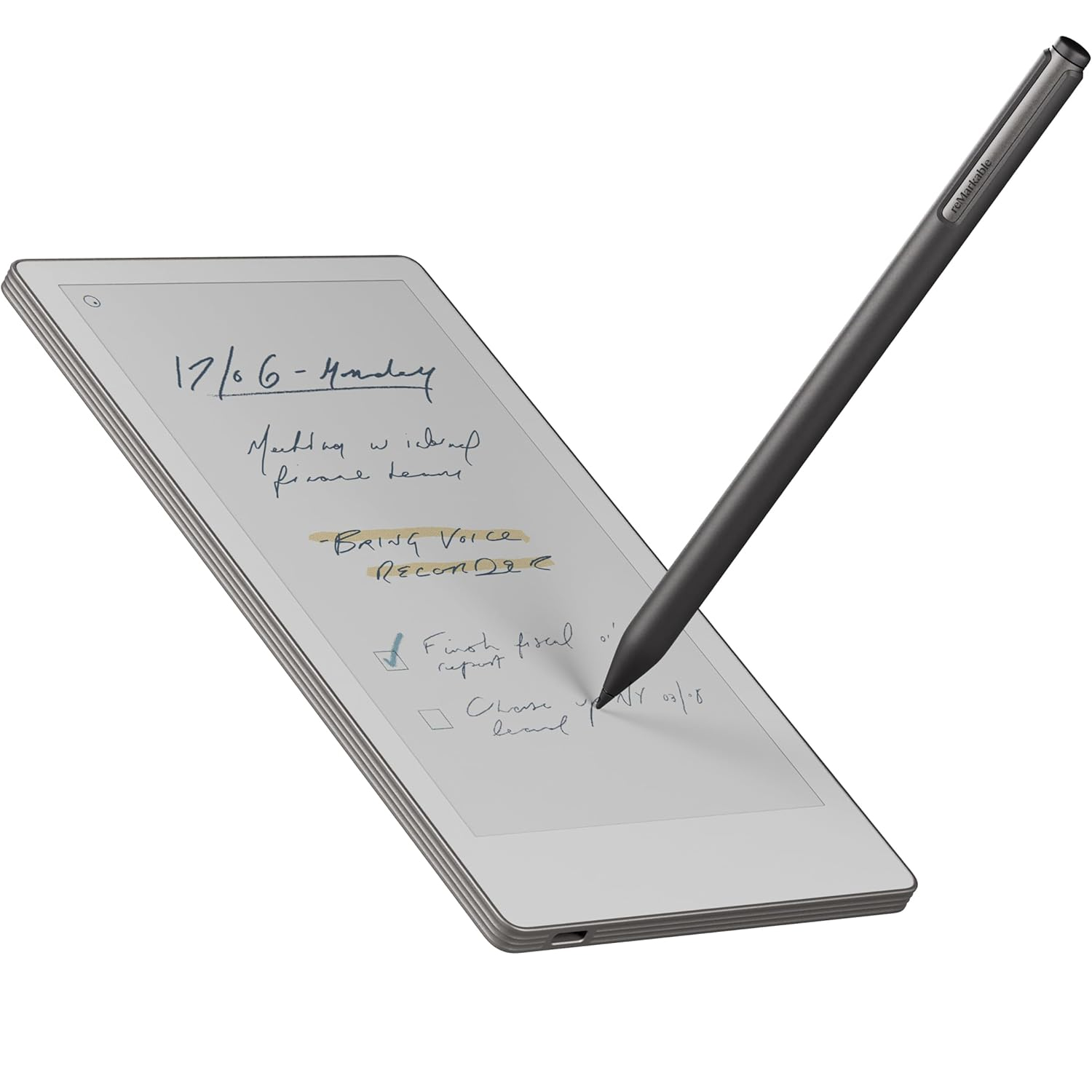
The reMarkable Paper Pure has a 10.3-inch screen, which is the most common size for this kind of tablet. However, if you'd prefer more writing real estate, the reMarkable Paper Pro has a more generous 11.8-inch screen. Conversely, if you want something compact, the smartphone-sized Kobo Libra Colour and reMarkable Paper Pro Move are small enough to slip into a back pocket.
Although many of today's best ereaders are waterproof, once you add writing into the mix, waterproofing becomes a rare feature. A notable exception is the aforementioned Kobo Libra Colour, which comes with an IPX8 rating. So if you're prone to spillages or want to note-take in the tub, that's the model for you.
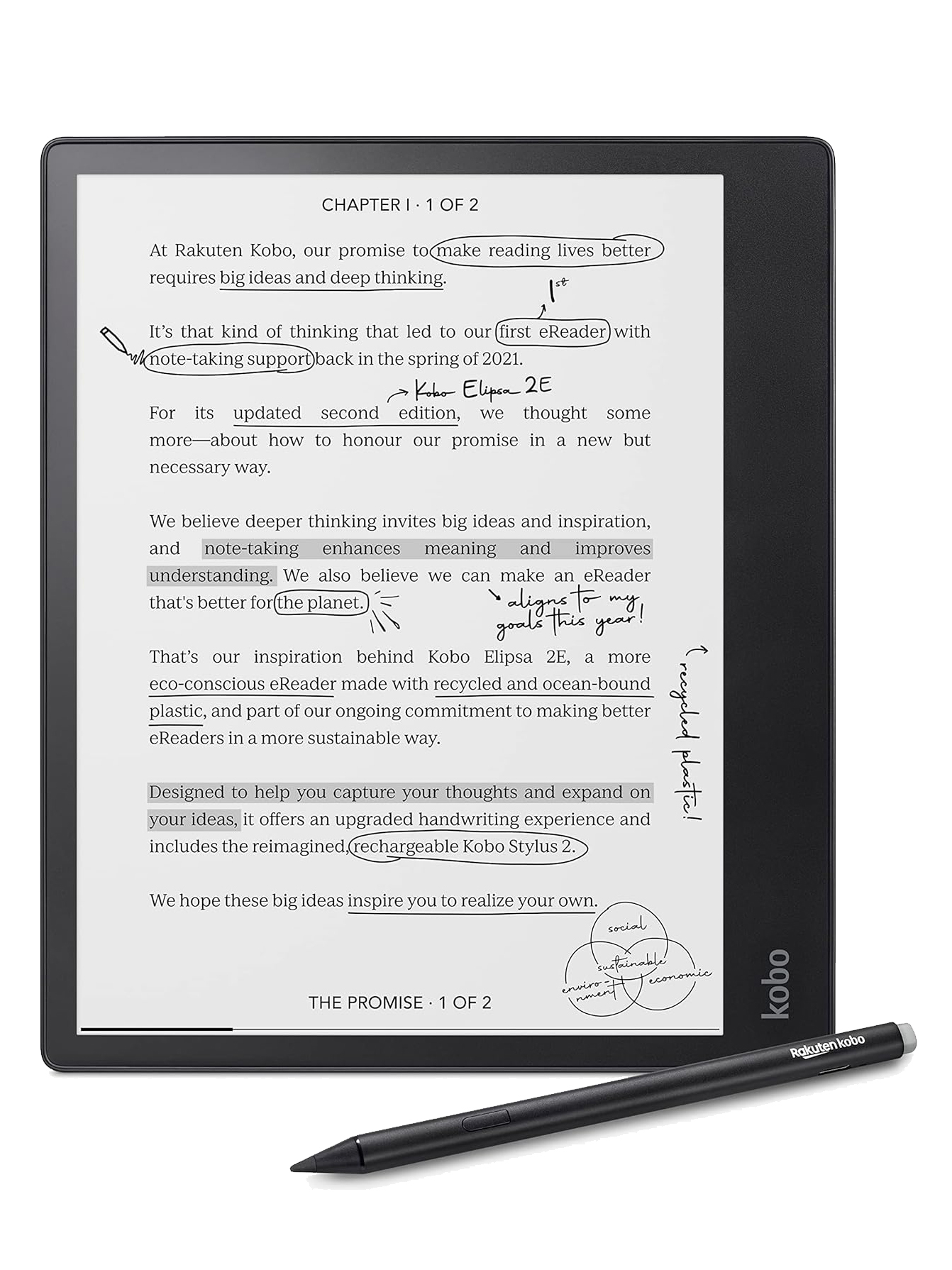
One of our only real complaints about the reMarkable Paper Pure is that it lacks a frontlight. This is frustrating if you need to work in less-than-ideal lighting conditions, and especially so if you're hoping to use it for reading as well as writing. Almost all the tablets listed below come with a frontlight — most are dimmable, and on some you can even change the color temperature.
Scroll down for a roundup of the best e-ink tablets we've tested, including the reMarkable Paper Pure. Hit the View details button for a rundown of the main pros and cons of each one, plus a link to read our full, in-depth review. I've also added a specs comparison table at the bottom to help you see the key differences between the options.
Have I missed any? Let me know in the comments. Happy scribbling!
Top writing tablets
Pros
- Flawless writing experience
- Lightweight, portable, comfortable
- Superb battery life
- The cheapest reMarkable tablet yet
Cons
- Hit-and-miss AI handwriting conversion
- No frontlight
- Still only 226ppi
Pros
- Good size for portability and usability
- Relatively affordable for a color ereader
- Full writing features
- Repair kits available
Cons
- Couple of functions suffer from lag
- Stylus sold separately
Pros
- Shrinks the best writing tablet to the perfect size
- Keeps the color and best features of the Paper Pro
- The best writing experience on any tablet you can buy
Cons
- Restrained software lacks many features
- AI handwriting recognition is laughably bad
- Subscription fee stings considering the price tag
Pros
- Faster than previous model
- Versatile writing tools
- Eco-friendly body
Cons
- Expensive
- Dated, plasticky design
- Sleepcover no longer bundled
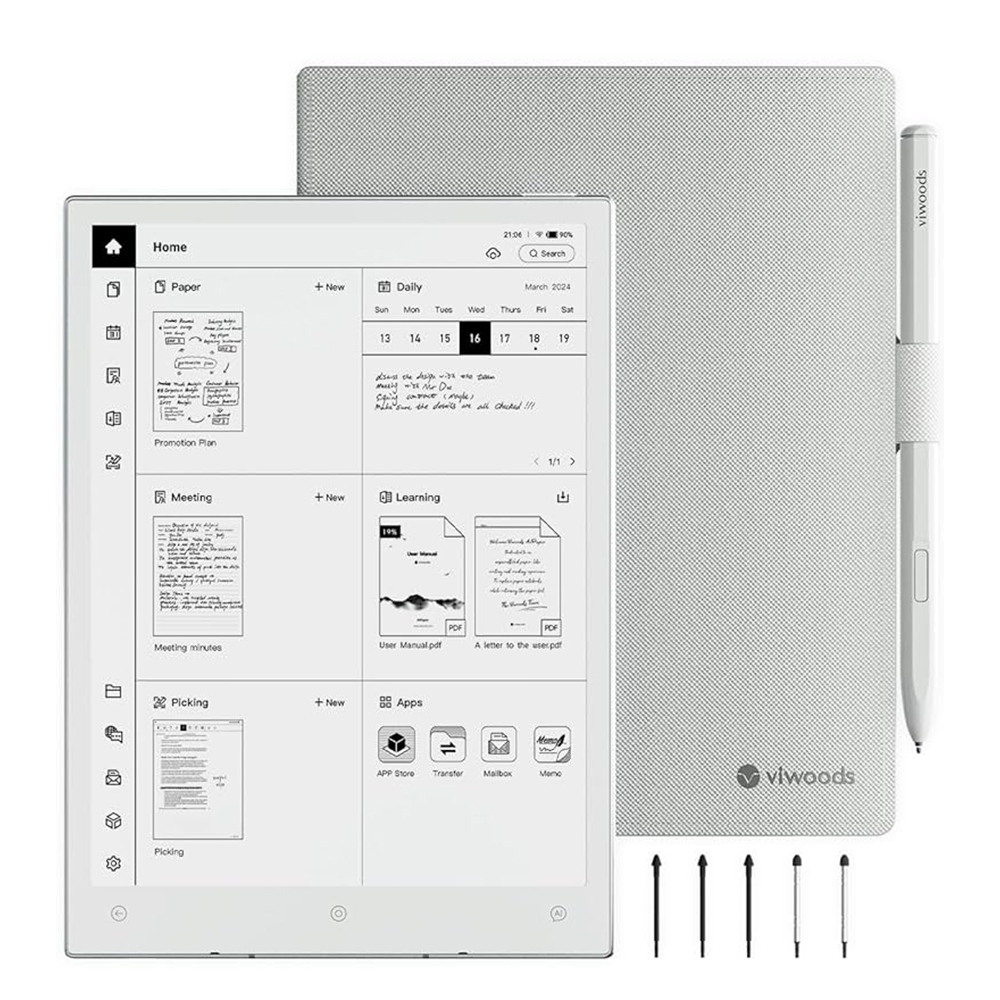
Pros
- Beautiful design that’s thin and light
- Fantastic performance
- Touch buttons on lower bezel
- Excellent user experience
- 100-day return policy
Cons
- AI accessibility could pose privacy risks
- AI handwriting conversion isn't consistently accurate
- No frontlight
- No expandable storage
- Light ghosting across all apps
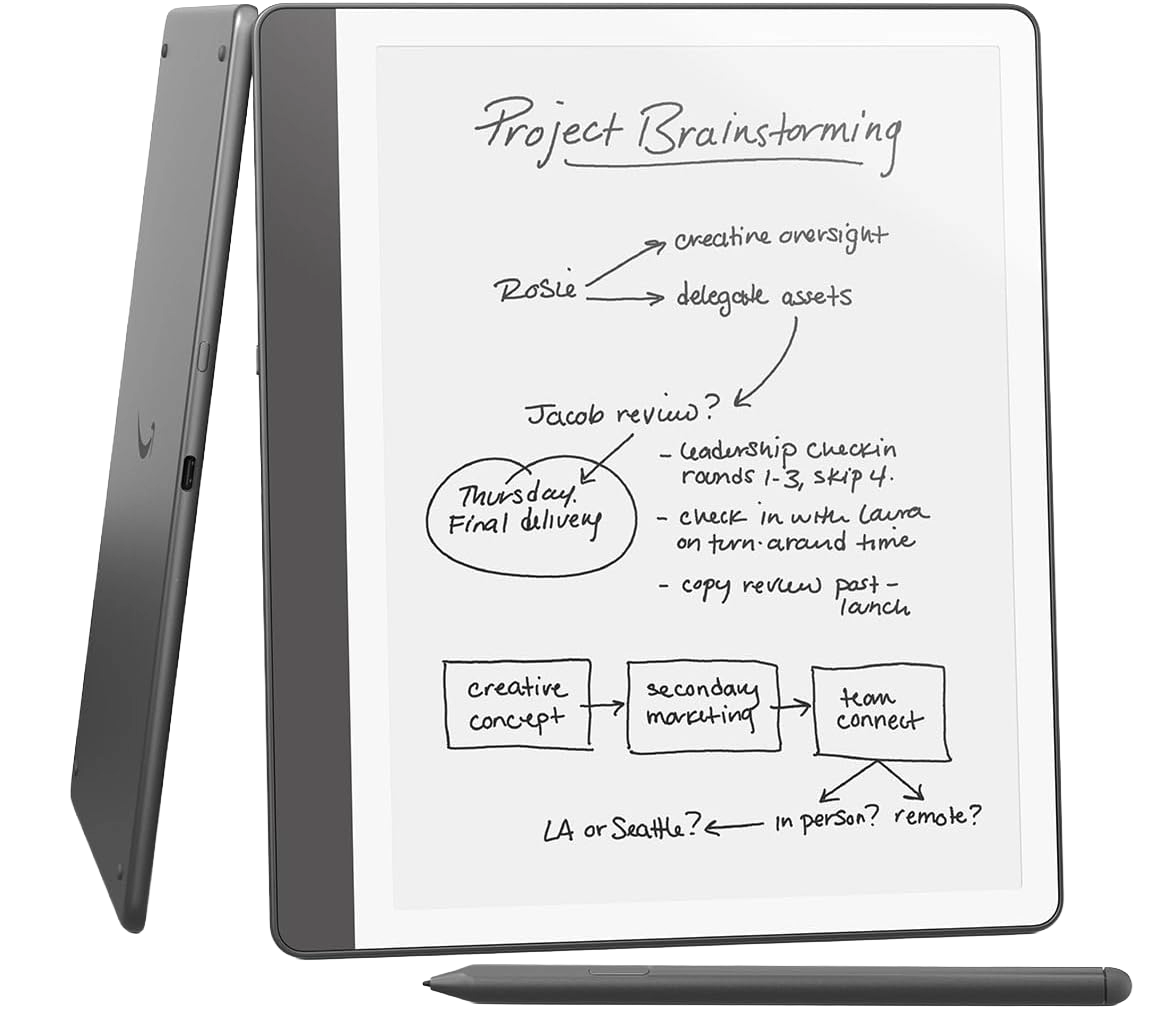
Pros
- Still the best big e-reader, with better writing tools
- Subtle improvements add up in a big way
- AI tools that are [gasp] useful?!
Cons
- It’s more expensive without new hardware
- It’s got AI, like everything — you can’t escape
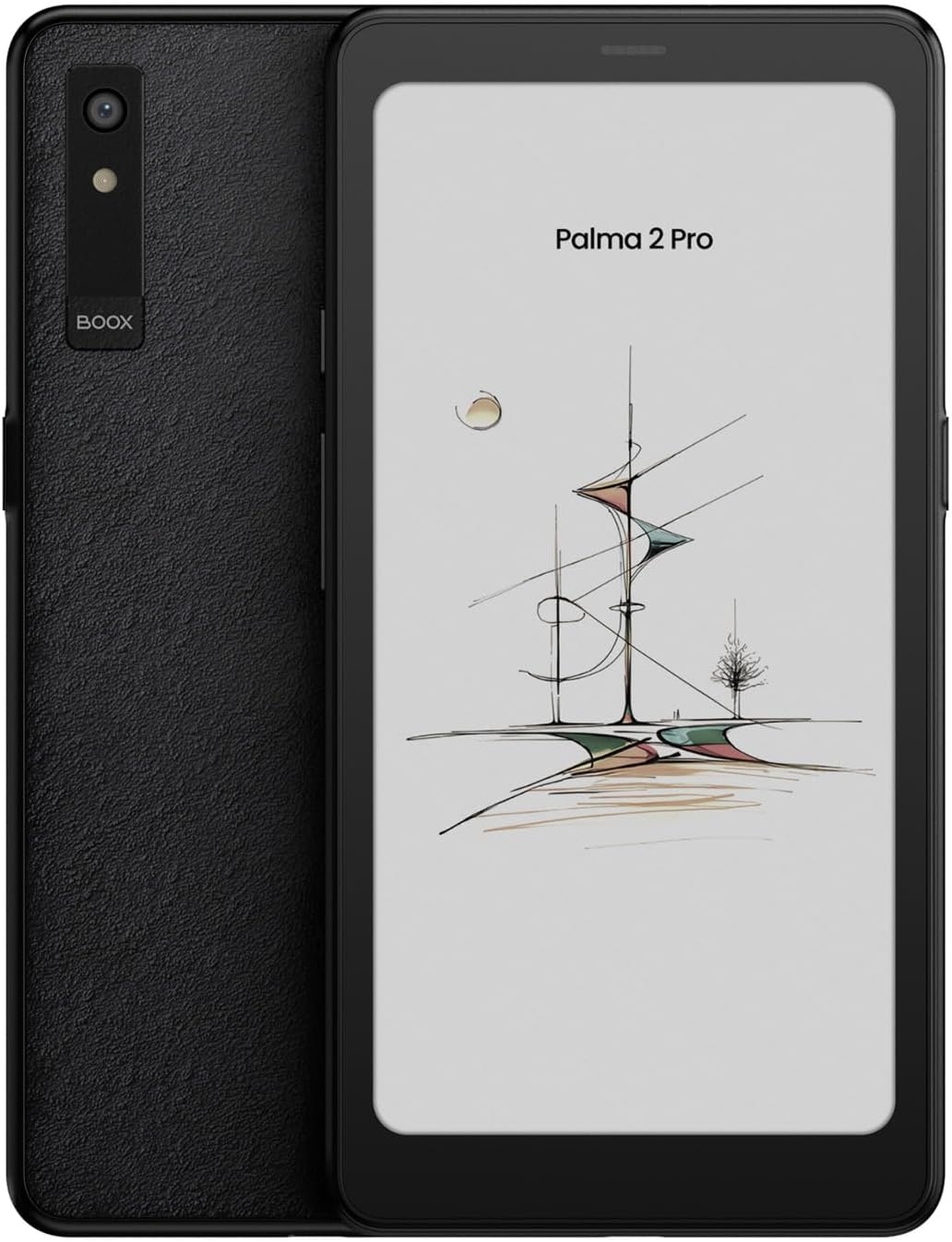
Pros
- Pocket-friendly color E Ink design
- More versatile than the Palma 2
- Excellent case accessory
Cons
- Expensive for an ereader
- Text isn’t as crisp as on the Palma 2
- Stylus sold separately
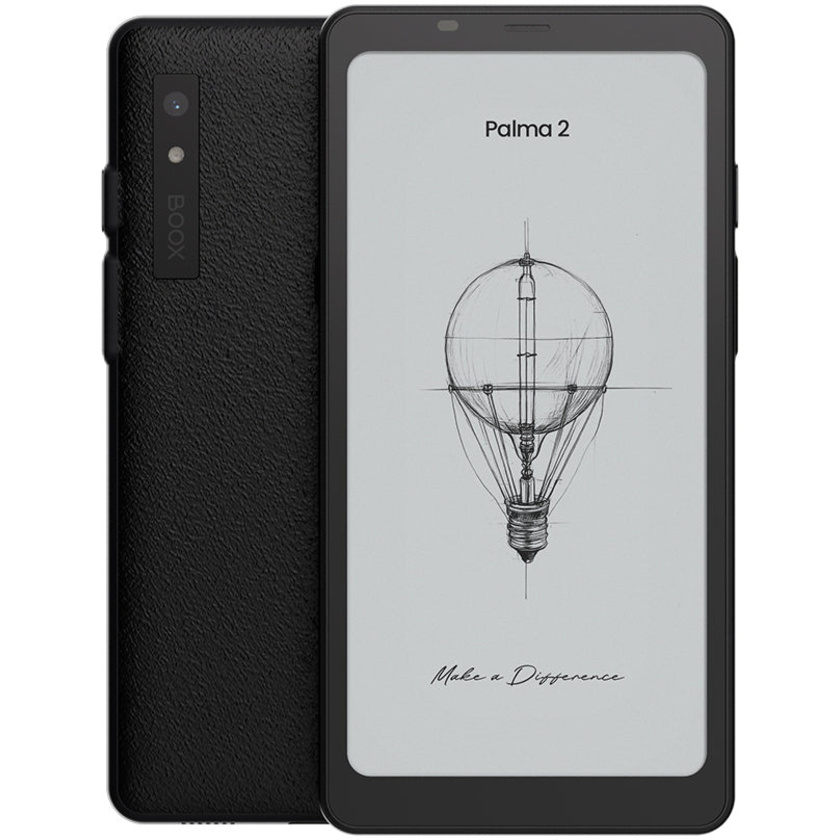
Pros
- Cleaner, more modern interface
- Fantastic size for a portable ereader
- Excellent battery life
Cons
- No performance improvements with new chipset
- Fingerprint scanner is fiddly and superfluous
- Expensive for an ereader
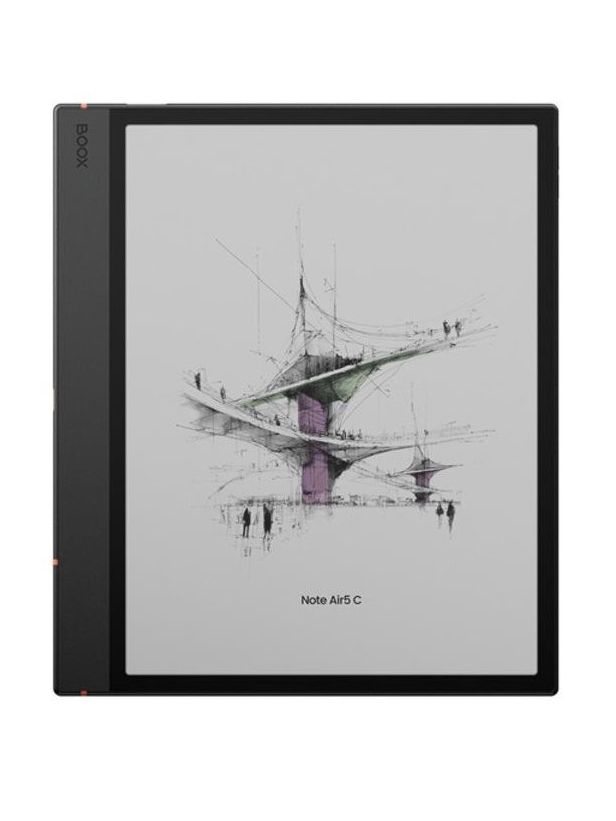
Pros
- Android 15 with 3 years of software support
- Excellent writing experience
- Expandable storage up to 1TB
- Physical page-turn buttons
Cons
- Expensive
- Some colors appear muted
- Ineffective stylus magnet
- Annoying folio design (keyboard and regular case)
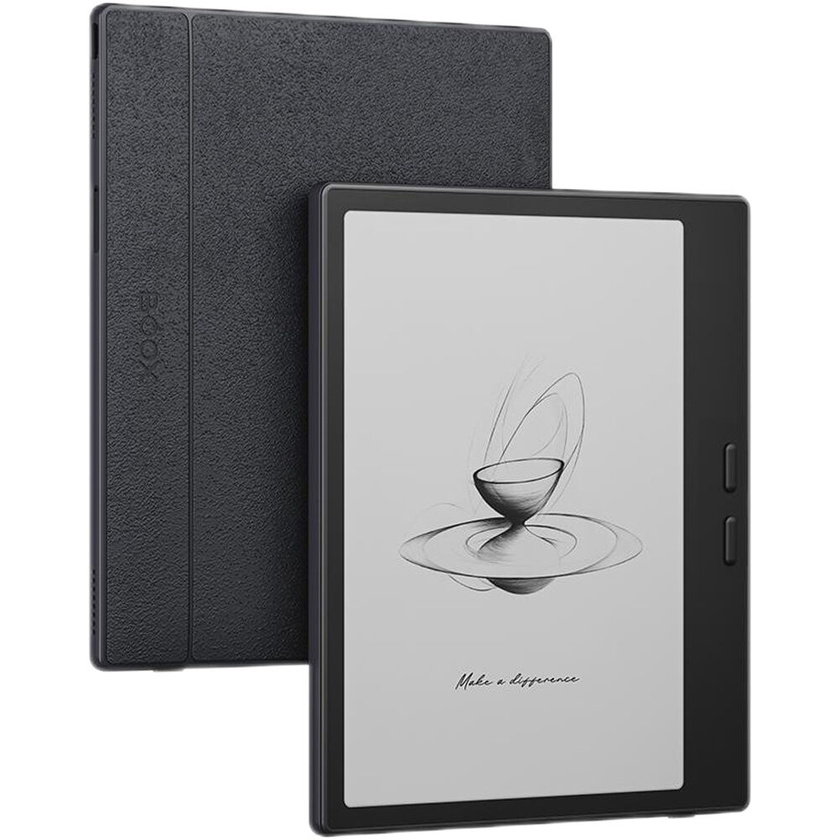
Pros
- Android 13-based operating system
- Excellent E Ink Carta 1300 display
- 64GB storage
- Page-turn buttons
- Snappy performance
- Stylus support
Cons
- Lacks waterproofing
- Complicated menu system
- Excessive battery drain
- Subpar writing experience
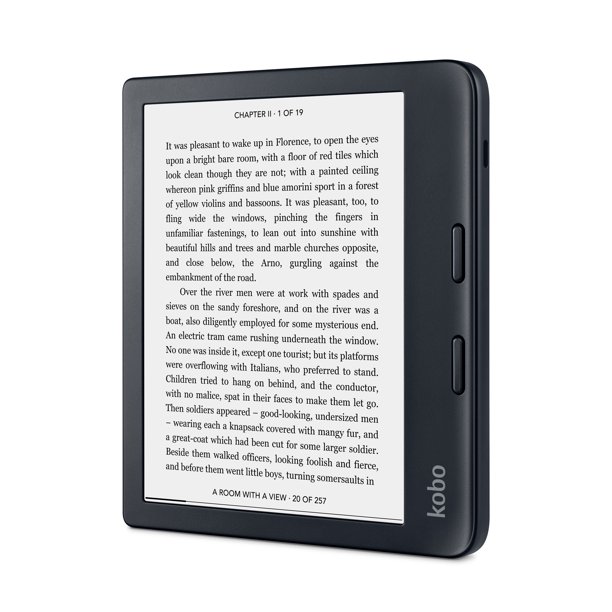
Pros
- Winning asymmetric design
- 32GB storage
- Audiobook support
Cons
- Battery charging can be erratic
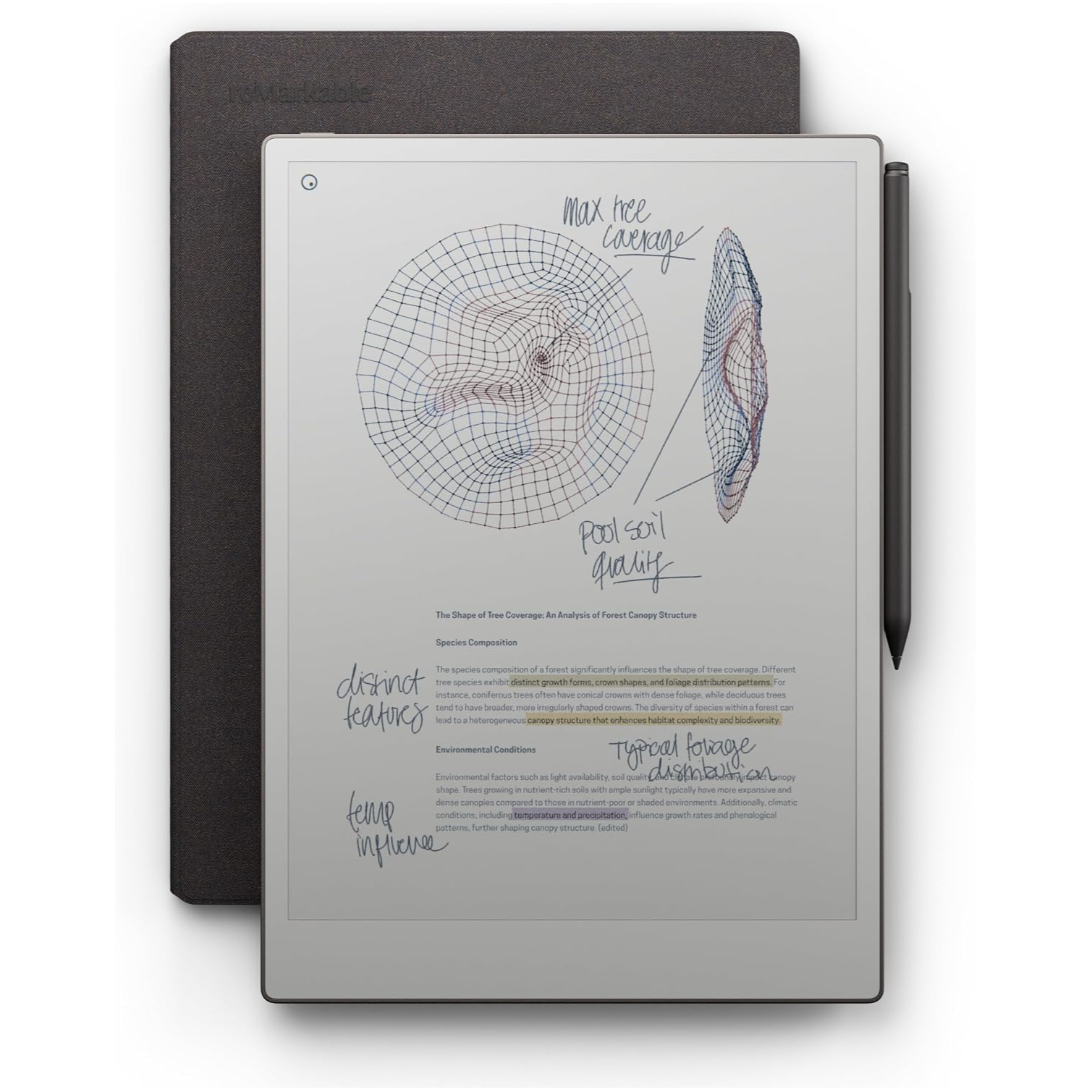
Pros
- Color display looks better than other color E Ink tablets
- Finally a light to read in the dark
- Incredible battery life, even with color and light
Cons
- Software lacks more features than it offers
- Doesn’t do much, by design
- No trade-in for previous reMarkable owners
E-ink handwriting tablet specs compared
Note: only the products available in your territory will display as cards. That means you might see models in this table that aren't visible above.
Popular Products
-
 Women’s Smartwatch with Bluetooth Cal...
$33.99$22.78 -
 Men's Smartwatch with Bluetooth Call ...
$121.99$84.78 -
 QERE E80 Wireless Headphones with Noi...
$130.99$90.78 -
 Veepeak OBDCheck BLE OBD II Scanner A...
$148.99$103.78 -
 Thinkcar BD6 OBD2 Scanner Full System...
$193.99$134.78